Chromium · seven steps
Try a clock, inspect it, and keep your changes
Open your local Handbook, check and run a clock, inspect its resident Patchbay, edit its timing, then lull and recover the same Body.
Before you begin
Open your Handbook in a browser with local storage enabled. This recording uses a fresh Chromium profile and static files. Each browser installation creates its own local Body; no shared application backend is required.
Open your own Handbook
You do: Open the static Handbook in a fresh browser profile.
The Handbook creates a local Body, then wakes its resident application. The page offers lessons, editable source, and lifecycle controls.
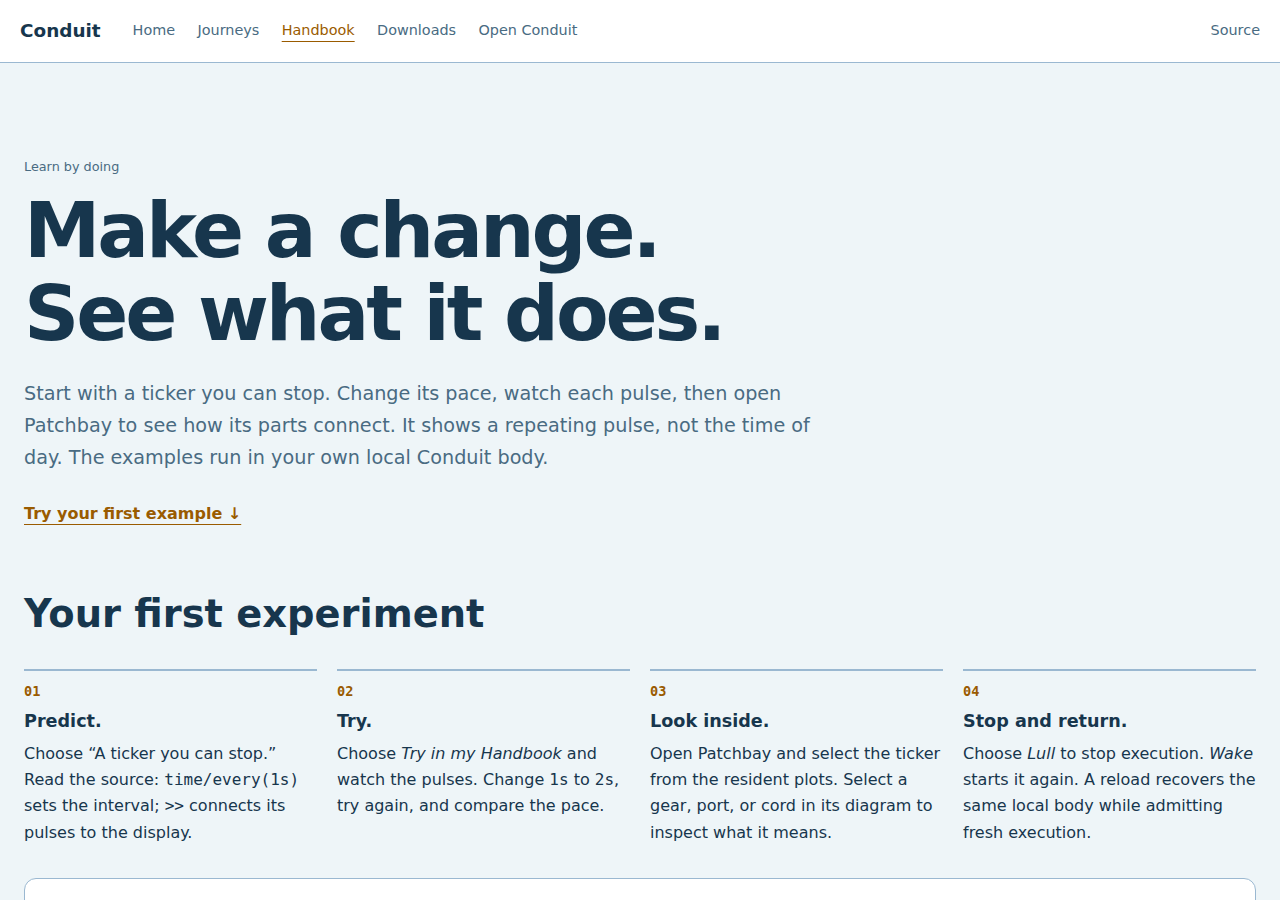
Open your own Handbook — captured from the running browser. Check an unfinished edit
You do: Open Start here, choose the clock lesson, enter unfinished source, and press Try in my Handbook.
Live highlighting follows the Unicode edit. The checker reports a refusal; the existing Body, Play, and installed workset remain unchanged.
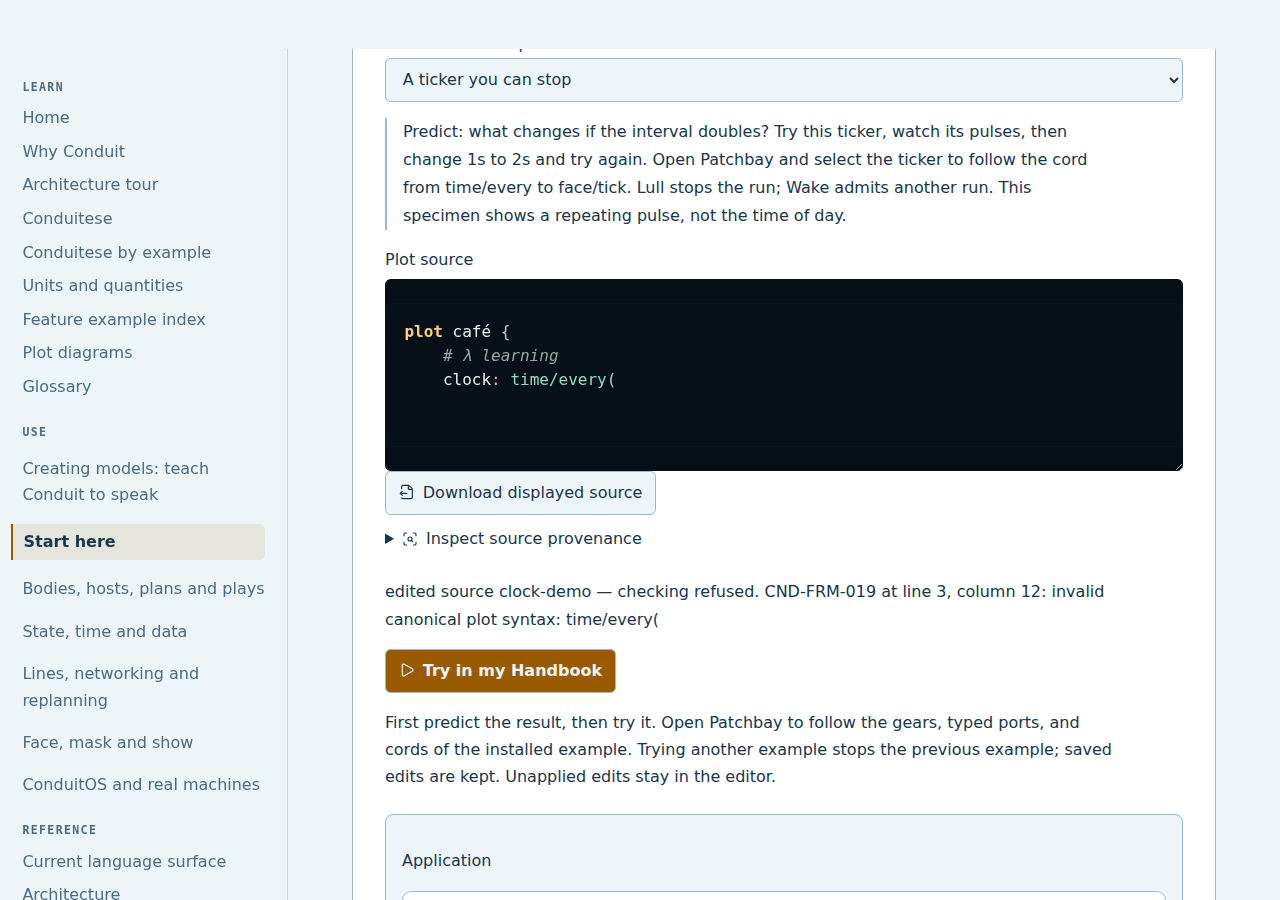
Check an unfinished edit — captured from the running browser. Run the clock lesson
You do: Restore the clock source and press Try in my Handbook.
The checked clock joins the same Body and runs through a newly admitted Plan and Play.
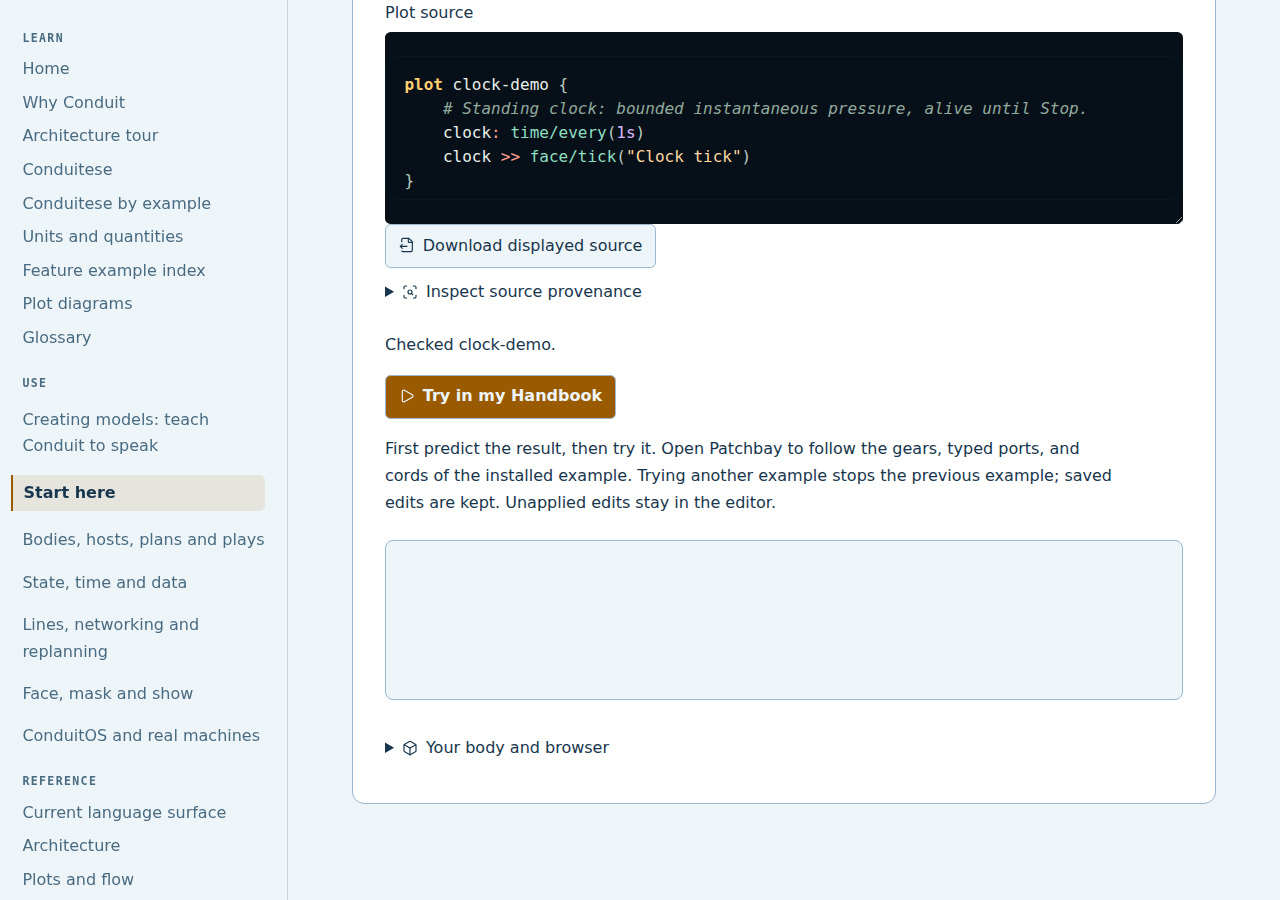
Run the clock lesson — captured from the running browser. Open the running clock's Source
You do: Open Patchbay, Inspect clock-demo, and invoke Edit a subject for the clock Gear while another lesson is displayed.
The checked typed request opens clock-demo's original Source and focuses its editor. Opening it preserves the Body Plan, Play, and installed workset.
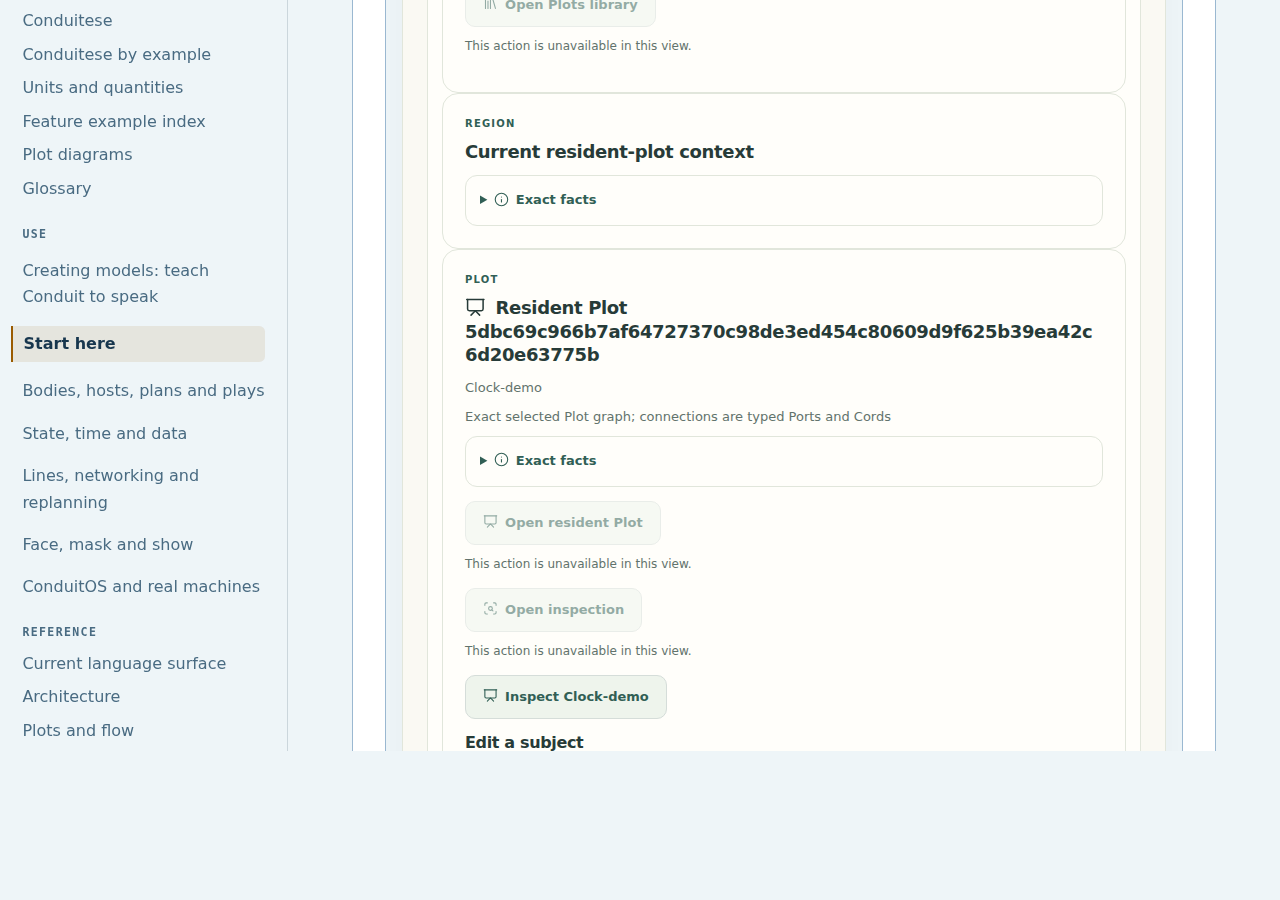
Open the running clock's Source — captured from the running browser. Change the clock's timing
You do: Change time/every(1s) to time/every(2s), then press Try in my Handbook.
The same Body replaces the clock with the newly checked source and admits a new Plan and Play. The workset does not grow with a duplicate clock.
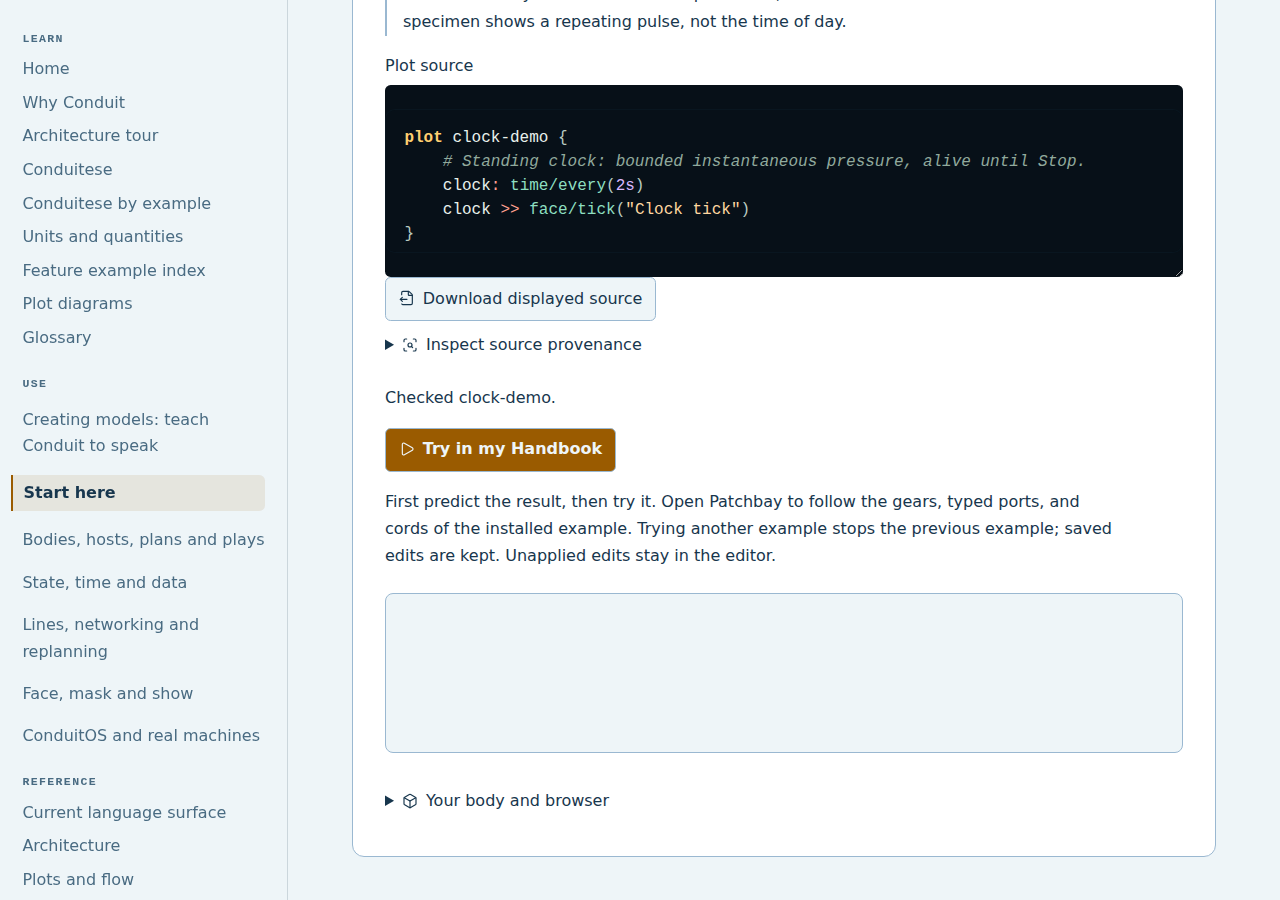
Change the clock's timing — captured from the running browser. Bring the Body to rest
You do: After checking that the edit survives switching lessons and inspecting the new graph, press Lull.
Execution ends and Wake becomes available. The Body retains the edited clock without an active Play.
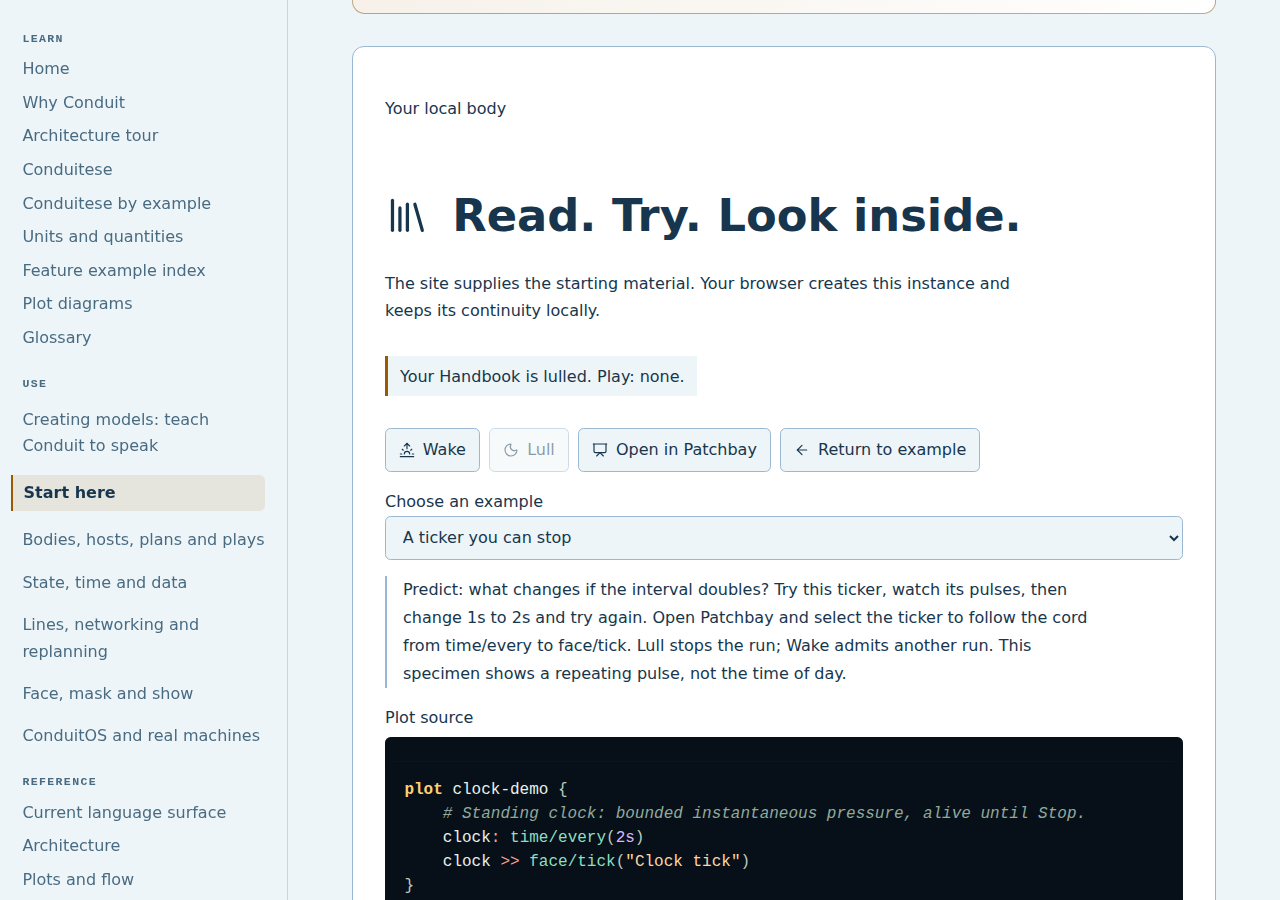
Bring the Body to rest — captured from the running browser. Return to your edited clock
You do: Press Wake, then reload the page.
The same Host and Body return with a fresh Boot, Plan, and Play. The two-second source, installed workset, and foreground selection survive.
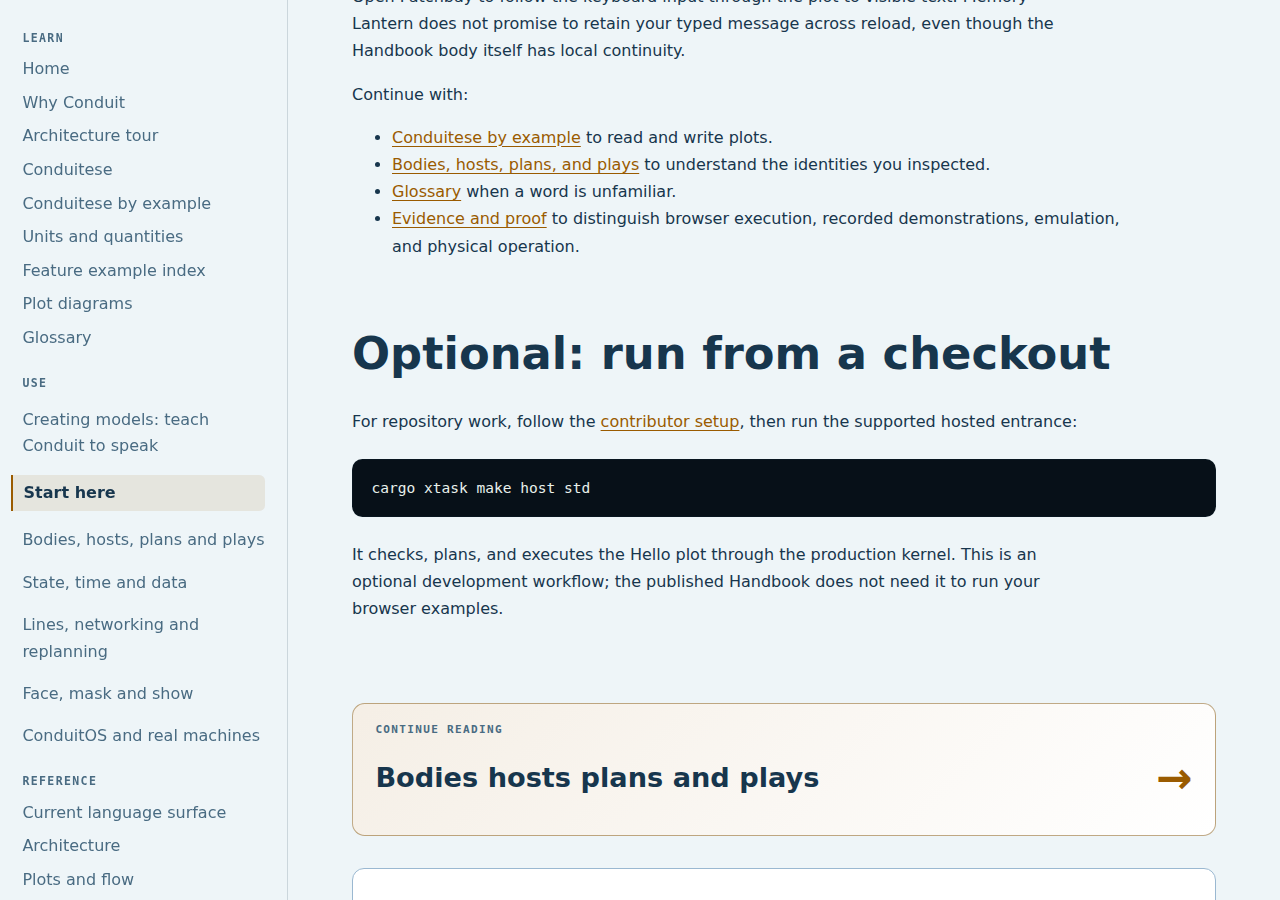
Return to your edited clock — captured from the running browser.
What stayed with you?
The Body kept its edited clock and workset through a reload. The new Boot admitted fresh execution; the recording does not claim the clock ran while the page was closed.
Try it in your own Handbook, or follow a smaller clock journey.
About this recording
Captured from actual application acceptance in Chromium at source 2ff1100e78e7dd1339f9878415a5335ec6f0a1cf.