Browser · three steps
Return to your clock after a reload
Open the clock, reload the page, and stop it when you are finished. This walkthrough shows what stays with the body and what starts again when you return.
Before you begin
This recording uses the Field Station browser example. Opening the page creates and starts the clock automatically. You need a browser with local storage enabled.
Open the clock
You do: Open the Field Station page.
The page automatically creates and wakes a Clock Body. Its tick is visible and the first zero tick is retained by the read-only DOM observer, alongside the Clock Patchbay and exact runtime identities.
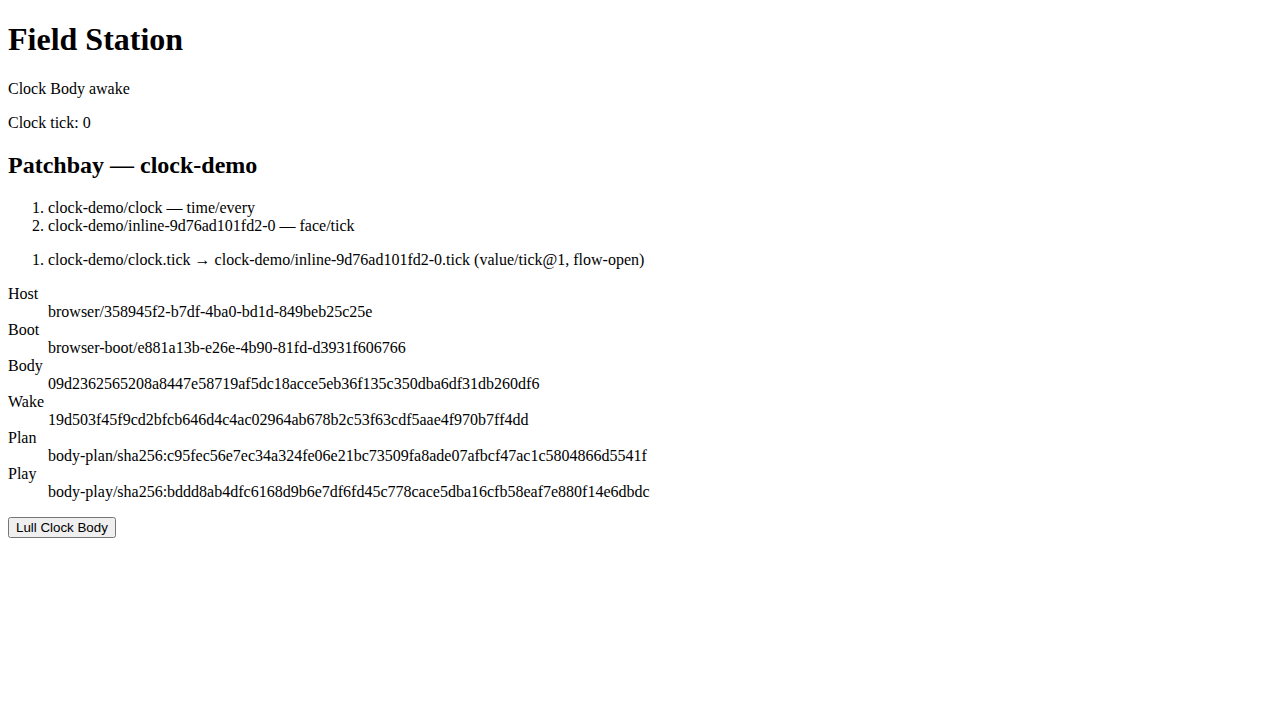
Open the clock — captured from the running browser. Reload the same Body
You do: Reload the page using the browser.
The clock is awake again. The Body and Host identities stay the same; the Boot, Wake, Plan, and Play identities are new. The page recovers the Body and starts a fresh Play.
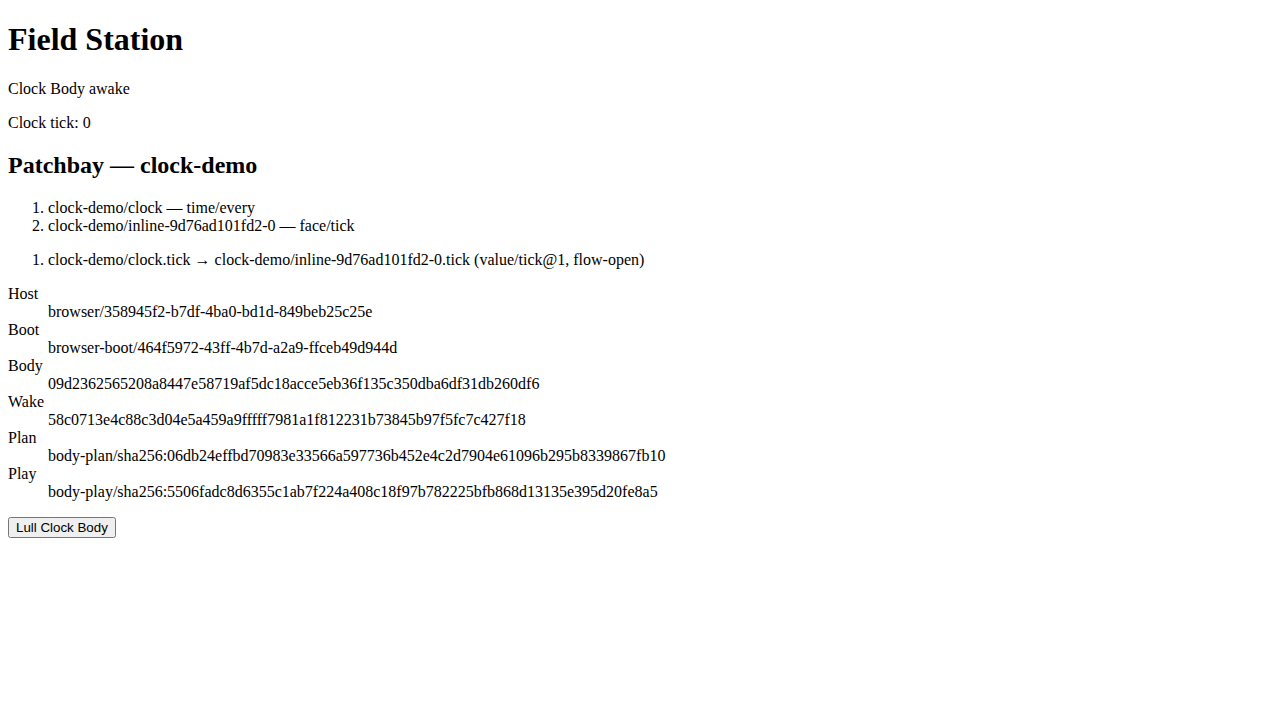
Reload the same Body — captured from the running browser. Lull the clock
You do: Click Lull Clock Body.
The status changes to Clock Body lulled and the Lull button becomes disabled. The runtime receipt confirms cancellation of this Play and retention of the same Body in its Lulled state.
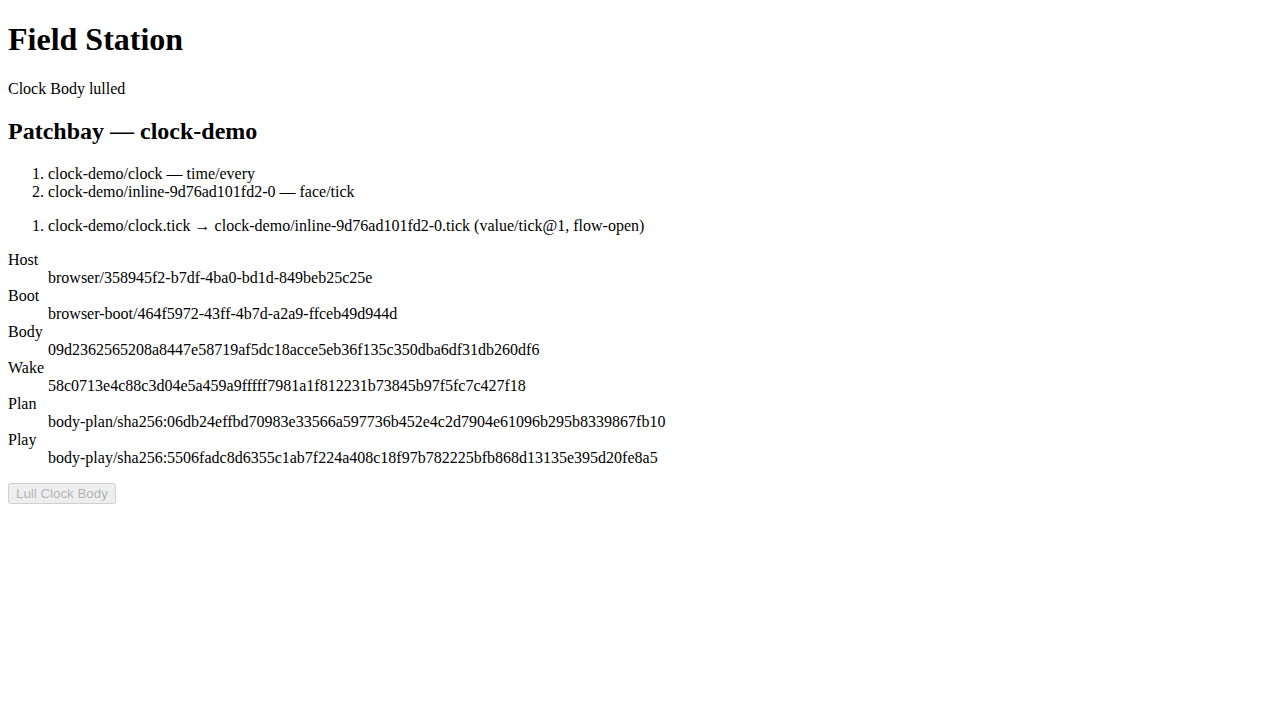
Lull the clock — captured from the running browser.
What happened?
The same body returned after reload, with a new run of its clock. Lull stopped that run while keeping the body. The recording does not show the clock running while the browser was closed.
Next: choose another Journey, try the Handbook walkthrough, or read how bodies keep their identity.
About this recording
Captured in Chromium from source 2ff1100e78e7dd1339f9878415a5335ec6f0a1cf.