All journeys · Open Conduit · Handbook
Freestanding x86 QEMU · 27 screenshots
A Body, its Patchbay, and its Face
Arrive at Crèche, birth a Body, start its work, inspect the live planned graph, and stop it. Each screen was captured from one guest session using the keyboard and mouse.
Emulator evidence from source e36734dfdc867a8bdb6264c002d478bf484791b3. It does not establish physical hardware operation or human enactment. Crèche checkbox pointer actions are enacted; other pointer entrances and a source-equivalent installed browser route remain unsupported; parent #5356 acceptance remains open.
Arrive at Commons
You do: First boot. The zero-Body Hub offers entry to the Birth encounter.
Commons Hub is open before any Body exists.
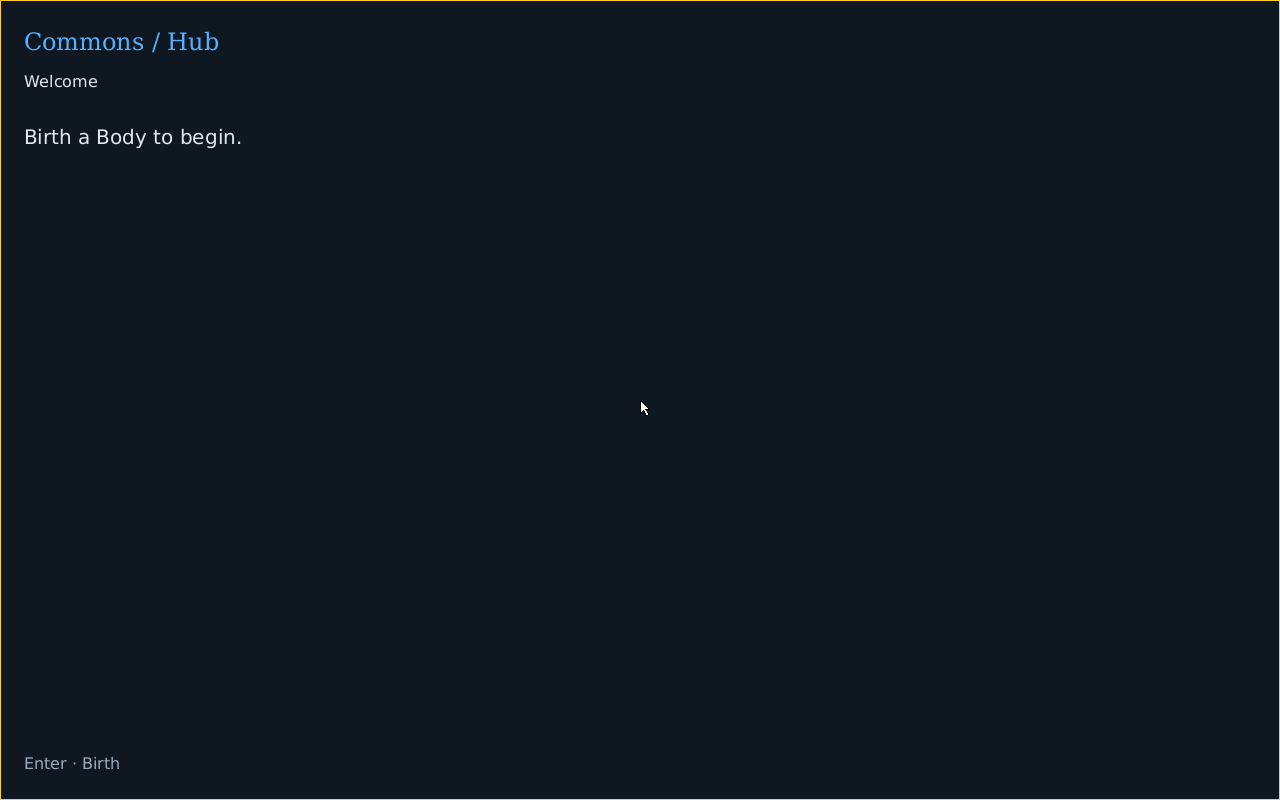
Captured from the same QMP guest after this action. What changed: A fresh Host and Boot have presented the first Face.
Enter Crèche
You do: Enter. A name field and locally available Plots await an explicit Birth.
The user enters Crèche from Commons Hub.
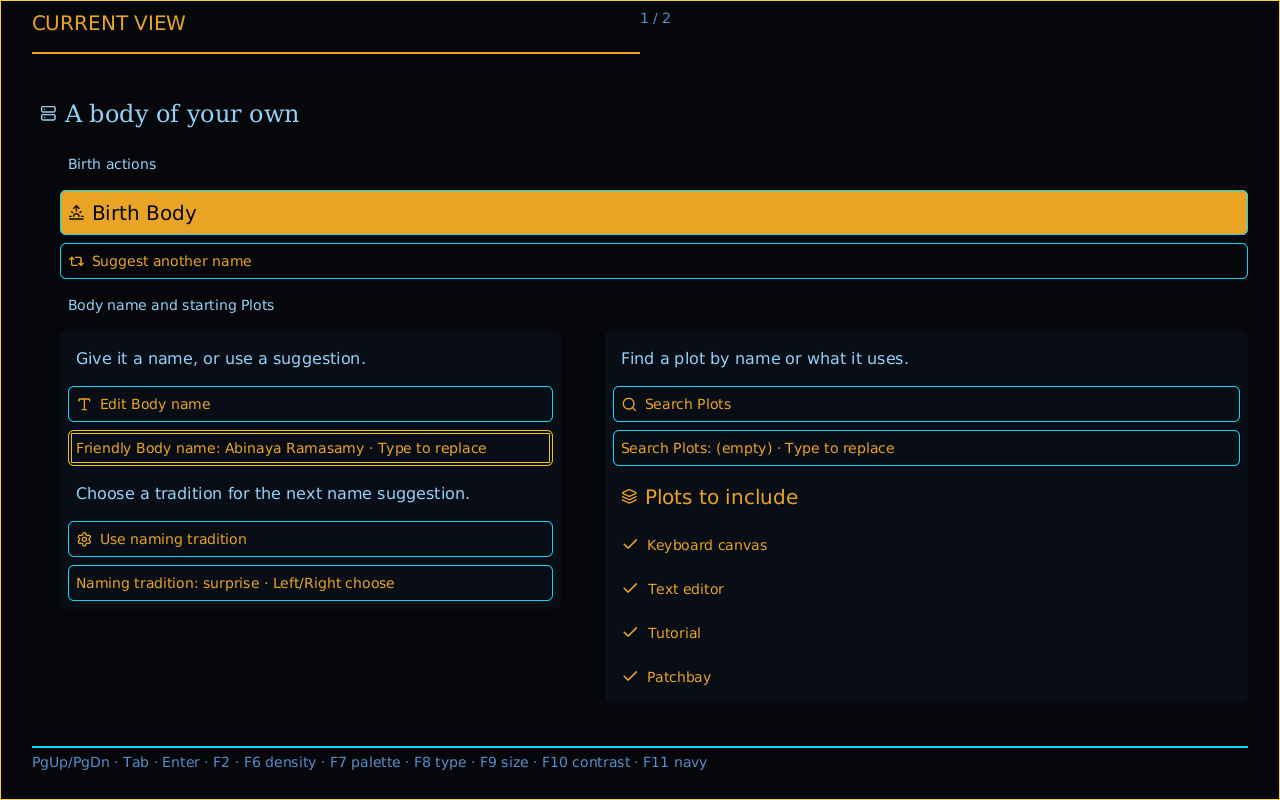
Captured from the same QMP guest after this action. What changed: No Body exists yet.
Select compact editorial expression
You do: F7. The user presses F7.
Crèche retains the same Face under compact editorial expression.
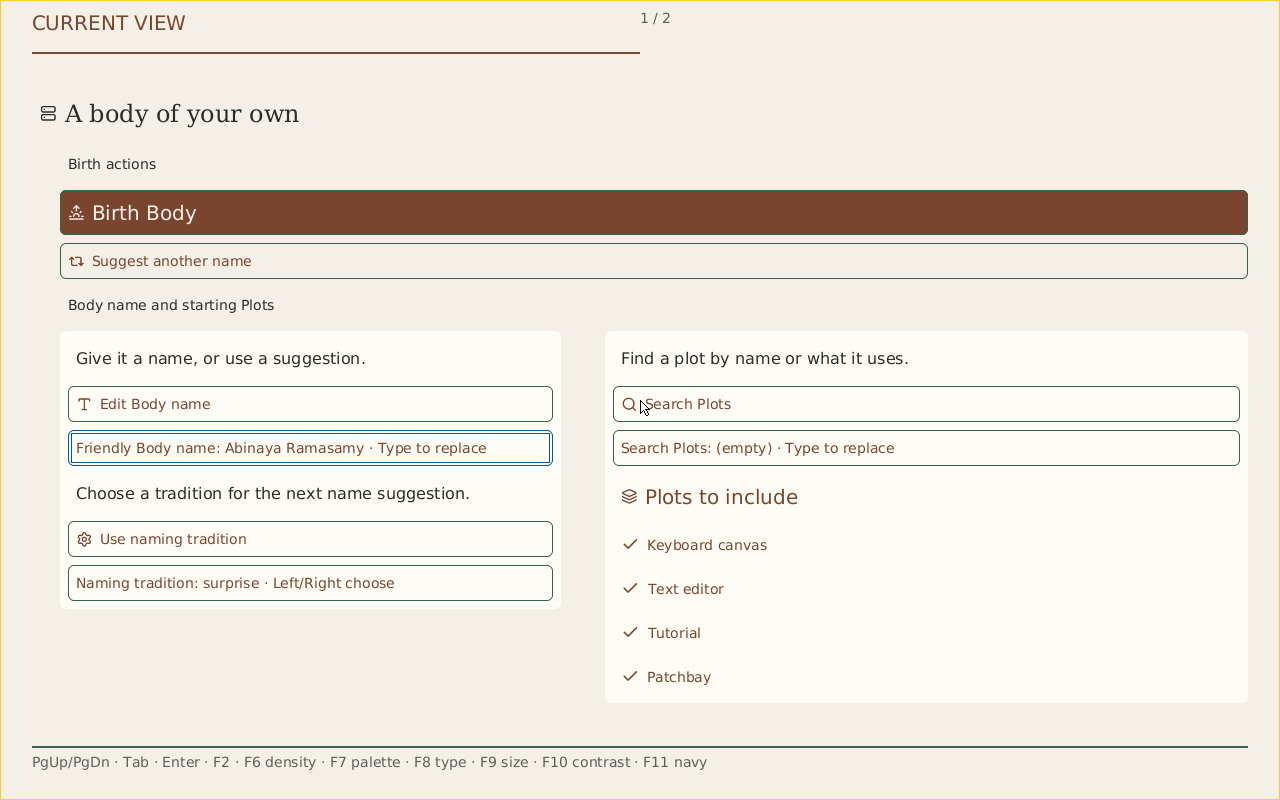
Captured from the same QMP guest after this action. What changed: A fresh locally acknowledged Show preserves the checked component, recipe and zero-Body Face; no Body action occurs.
Select engineering typography
You do: F8. The user presses F8 after the density and palette checks.
The same compact phosphor Face selects engineering typography.
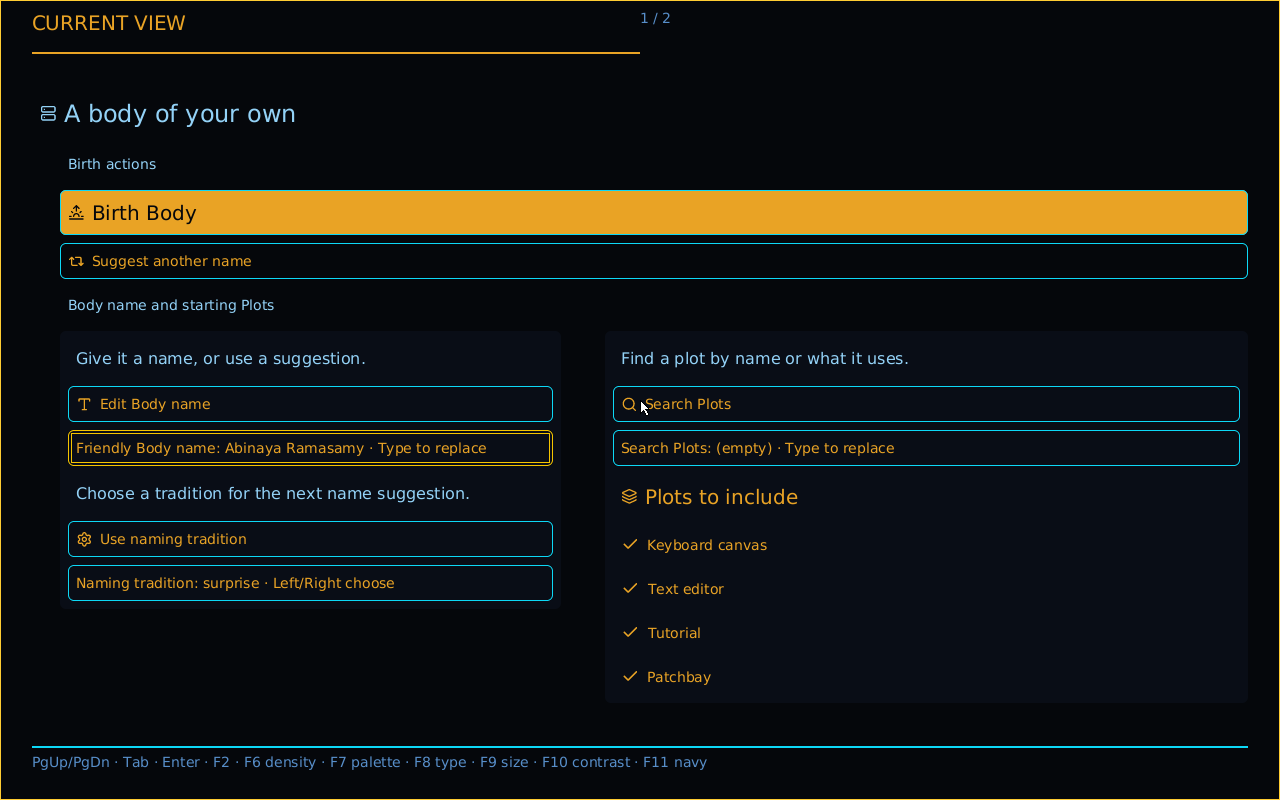
Captured from the same QMP guest after this action. What changed: Typography changes while source meaning and actions remain identical.
Select the editorial palette
You do: F7. The user presses F7.
The same compact Face retains engineering typography under the editorial palette.
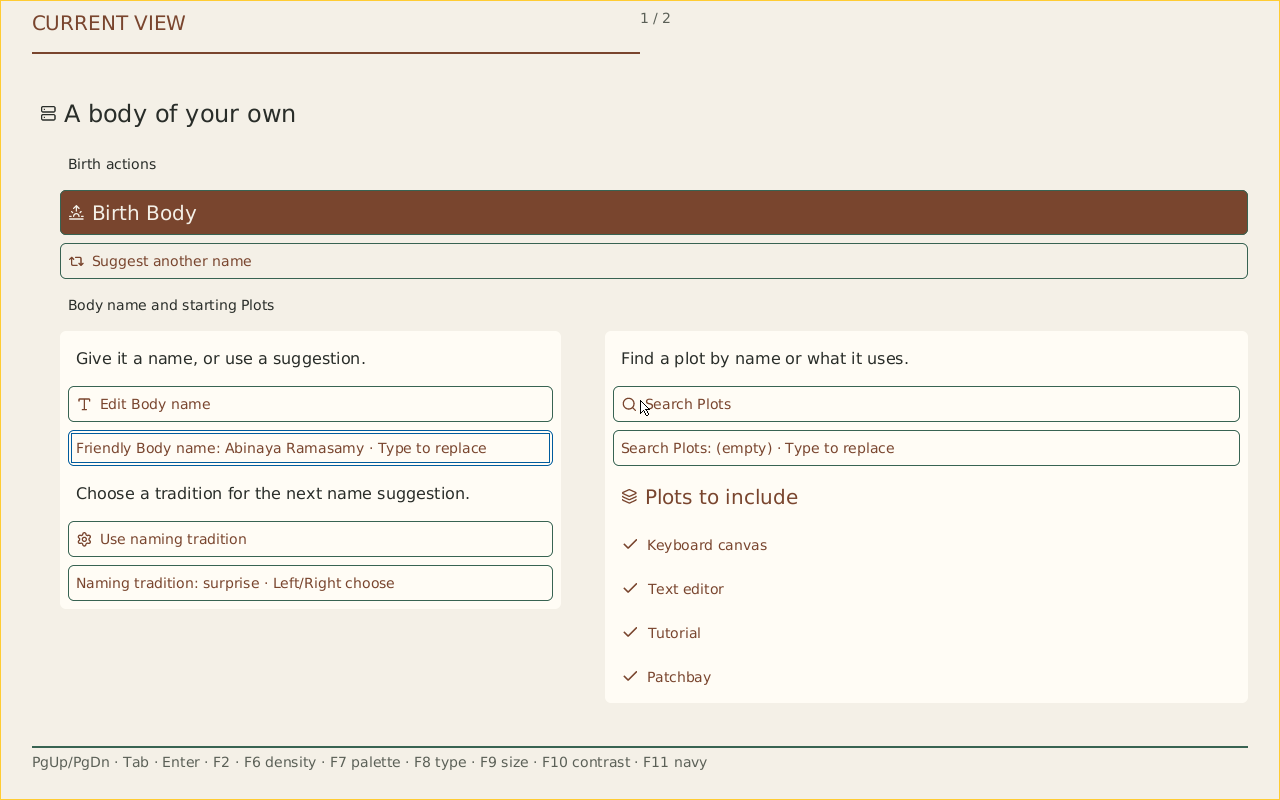
Captured from the same QMP guest after this action. What changed: Palette changes without a Body effect or a different component recipe.
Select spacious phosphor expression
You do: F6 · F7. The user presses F6 and F7.
The same engineering typography uses spacious density and 125% text scale under phosphor.
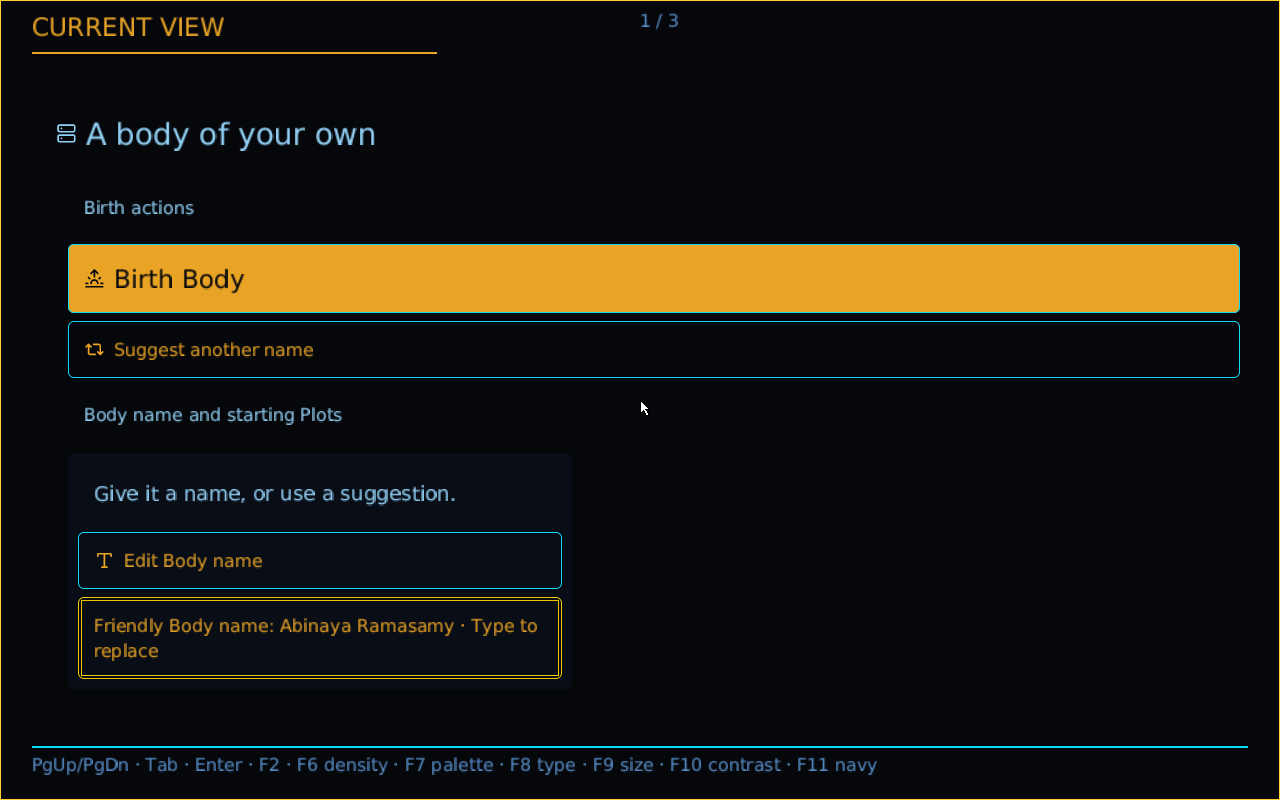
Captured from the same QMP guest after this action. What changed: The full serial receipt also checks the uncaptured restoration to the initial Mask plan.
Change a checked Plot
You do: Tab to Plot · Space. The user focuses the first Plot and presses Space.
Three starting Plots are selected.
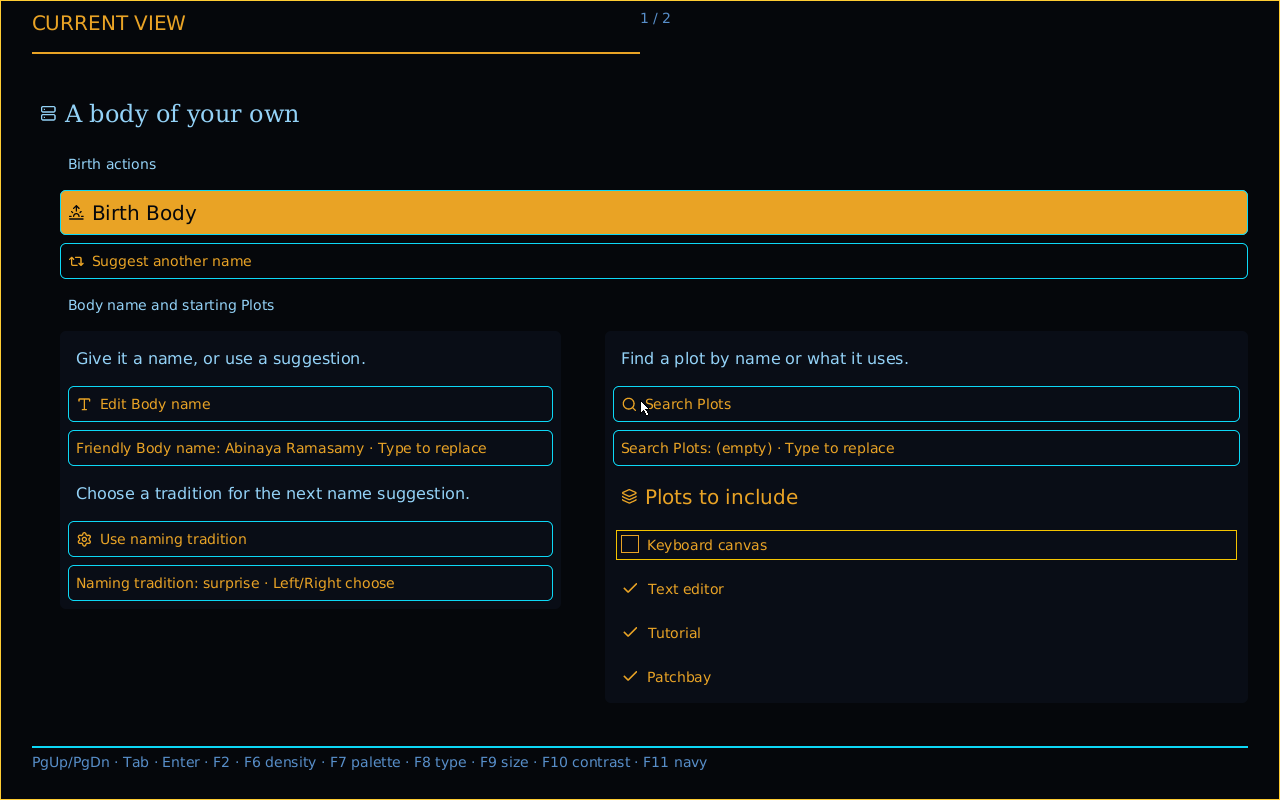
Captured from the same QMP guest after this action. What changed: The current typed Boolean action is accepted by Birth and a fresh Show displays its new value.
Restore the Plot
You do: Enter. The user presses Enter on the same checked source action.
All four starting Plots are selected again.
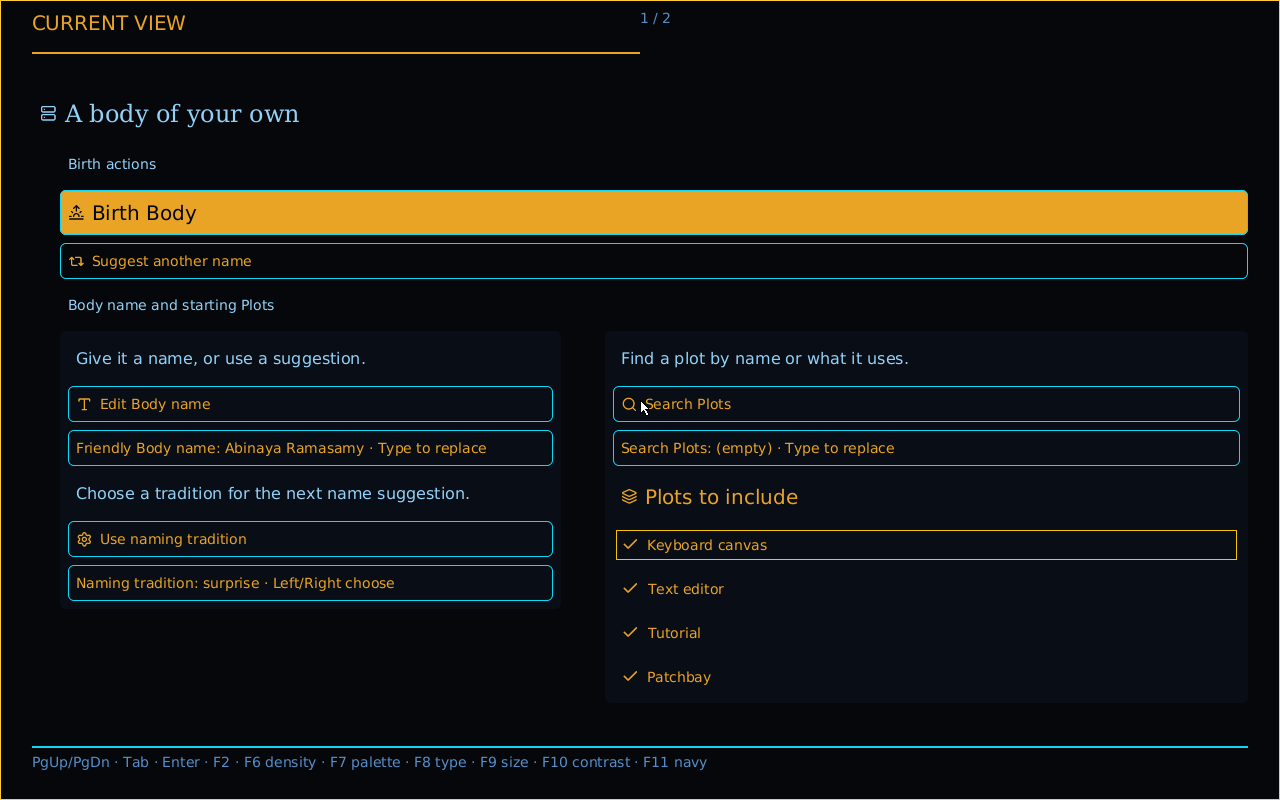
Captured from the same QMP guest after this action. What changed: A new current Show supplies the restored selection before Birth.
Reach the fourth checked Plot
You do: Tab to the fourth Plot. The user follows keyboard focus to the fourth Plot.
The fourth named checkbox is checked on its disclosed page.
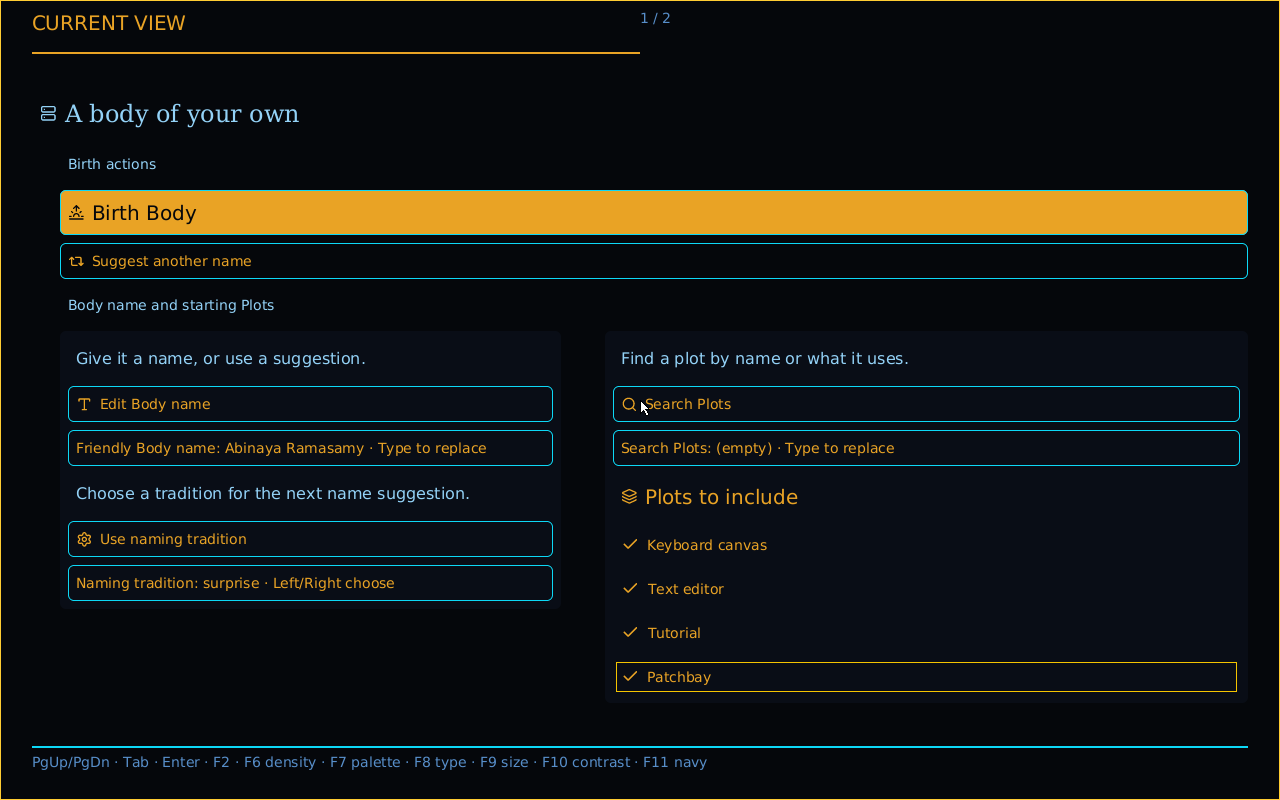
Captured from the same QMP guest after this action. What changed: The same checked Source inventory remains reachable across pages.
Click a checked Plot
You do: Move mouse · press. The user moves the mouse to the observed checkbox and presses its primary button.
Three Plots remain selected after a real mouse press.
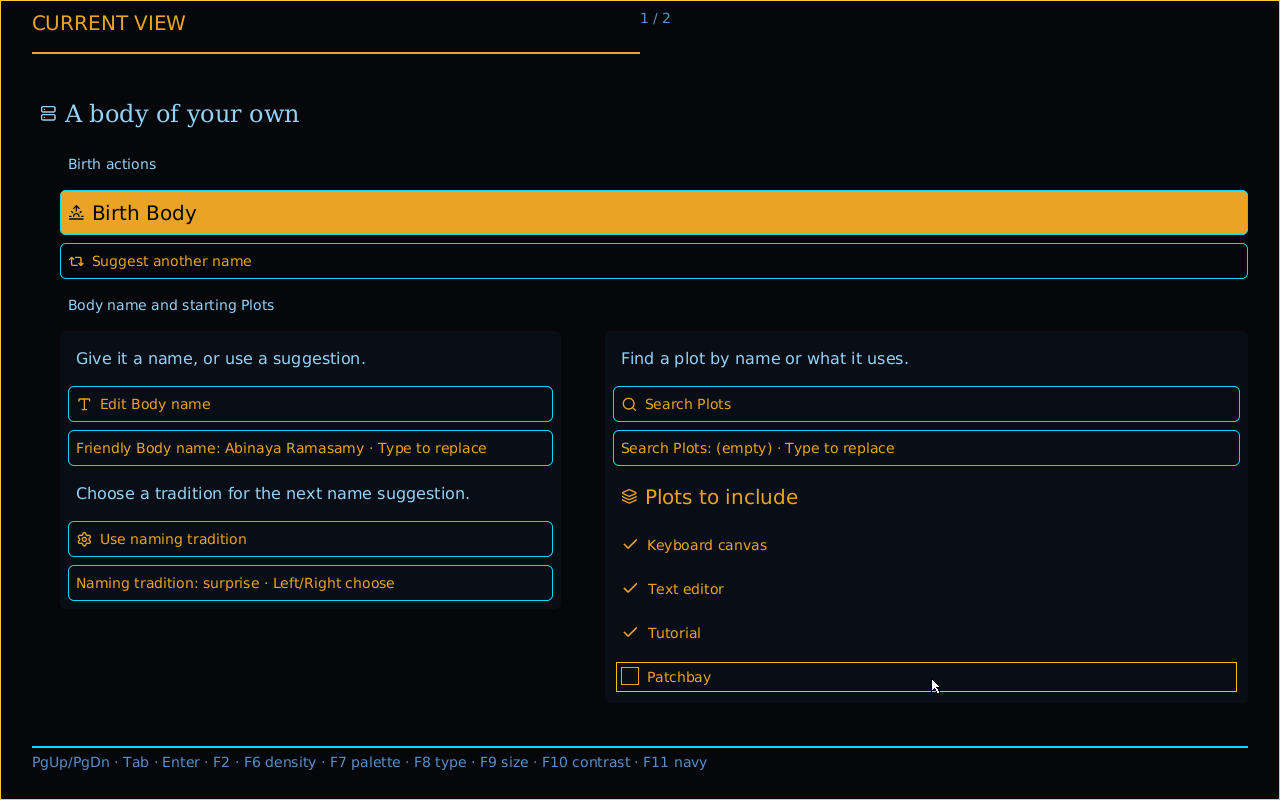
Captured from the same QMP guest after this action. What changed: A typed Boolean false reaches the Source owner; held motion across the fresh Show causes no duplicate edit.
Restore with a fresh click
You do: Release · press · release. The user releases, then presses the same control again.
Four Plots are selected again.
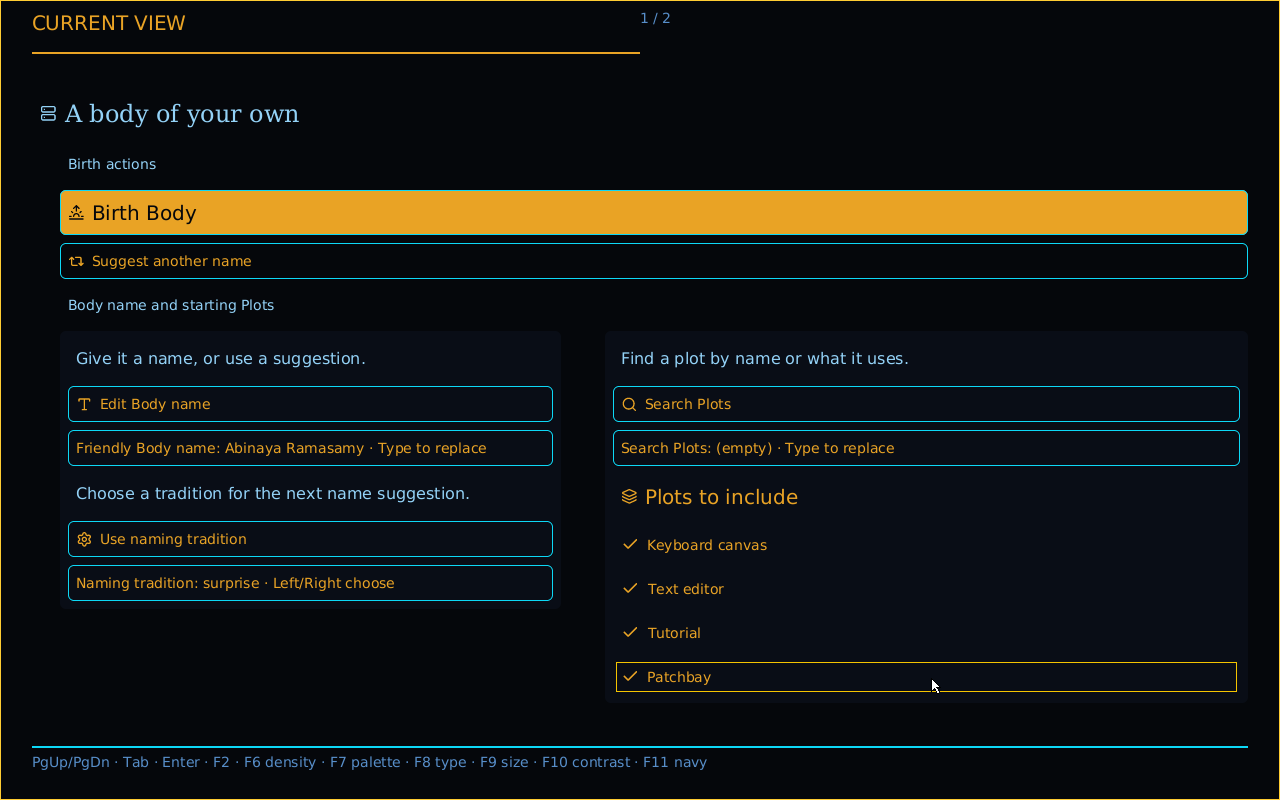
Captured from the same QMP guest after this action. What changed: A new typed Boolean true is accepted through the current Show.
Birth and start a Body
You do: Birth. The user activates Birth once after reviewing the Crèche Face.
Commons Hub opens over the living Body and its admitted Play.
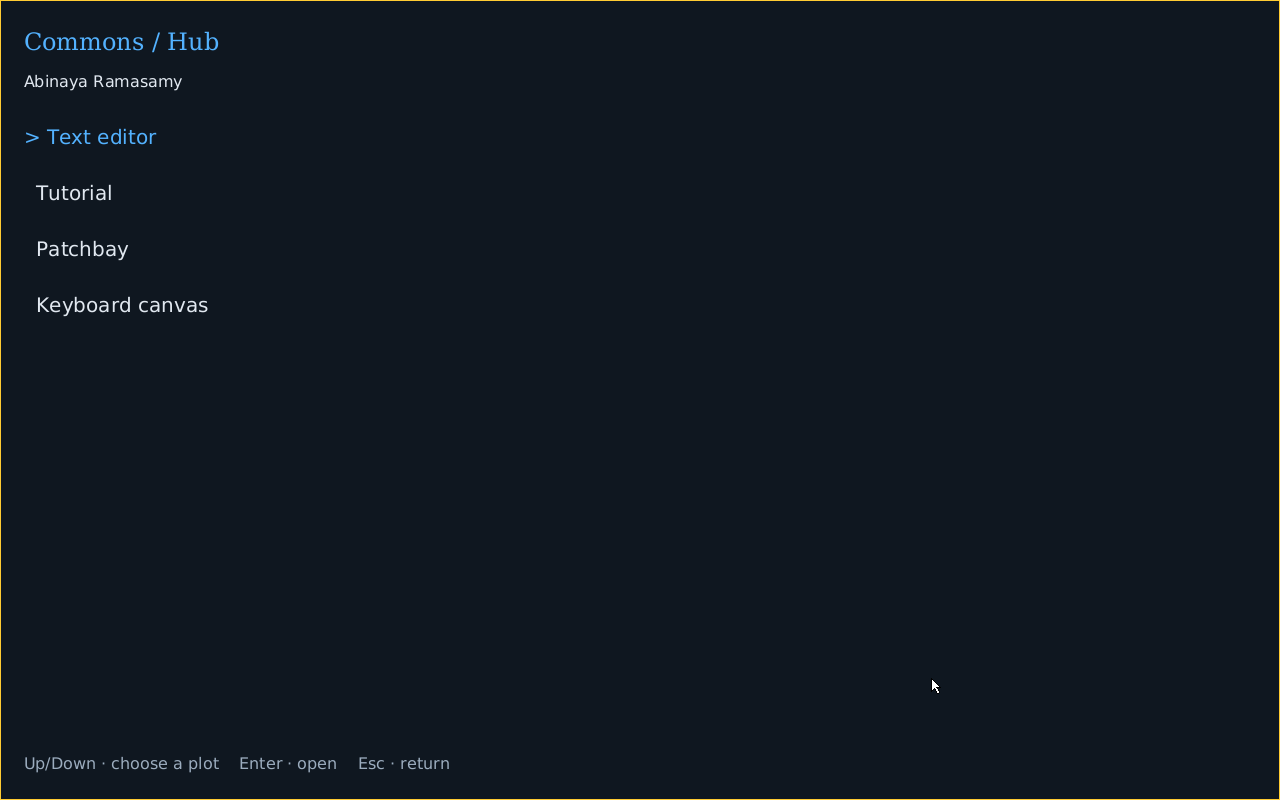
Captured from the same QMP guest after this action. What changed: Separate Birth, Wake, Plan and Play receipts retain the same Body; the default policy requests each stage through its current Face and acknowledged Show.
Refuse an unavailable Wake
You do: F4. The user presses F4 while the Body is already playing.
The current refusal remains inspectable after the application surface returns.
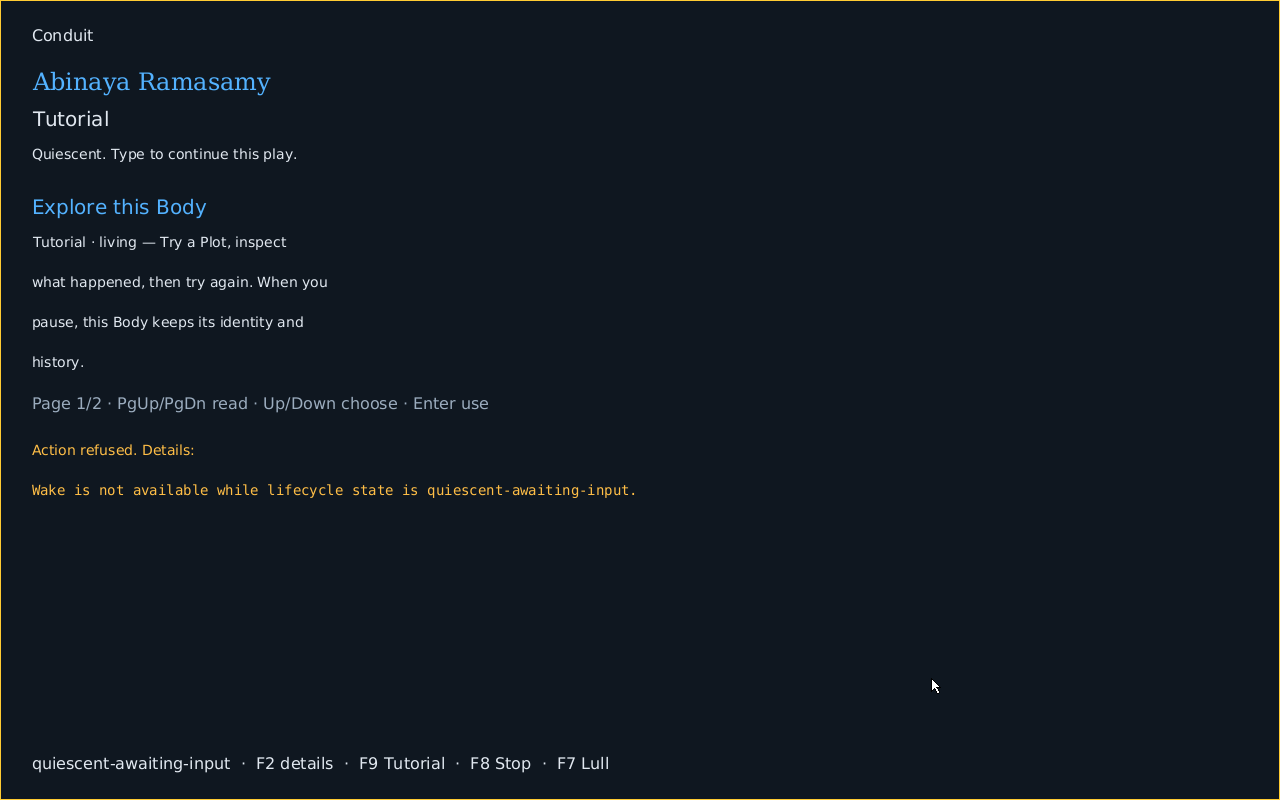
Captured from the same QMP guest after this action. What changed: The owner refuses the unavailable action without changing the Body or its lifecycle state.
Type into Keyboard canvas
You do: Tab · A. The user selects Keyboard canvas and presses A.
Keyboard canvas presents an uppercase A.
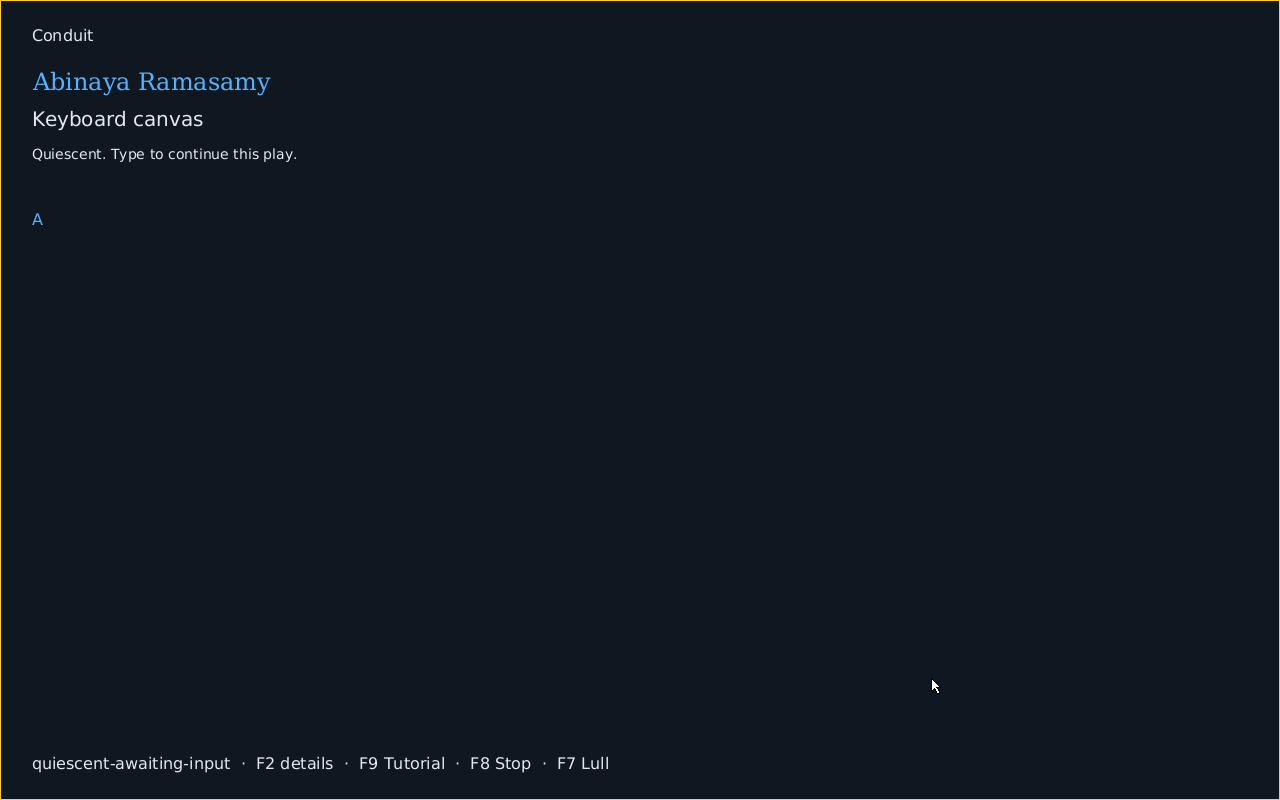
Captured from the same QMP guest after this action. What changed: The checked keyboard Plot executes within the same admitted Body Plan and Play.
Edit retained text
You do: Tab · A · Backspace · C · A · F · Right Alt+E. The user selects Text editor, edits text, then types café using the authored Right Alt mapping.
Text editor retains café with a native focus border and insertion caret.
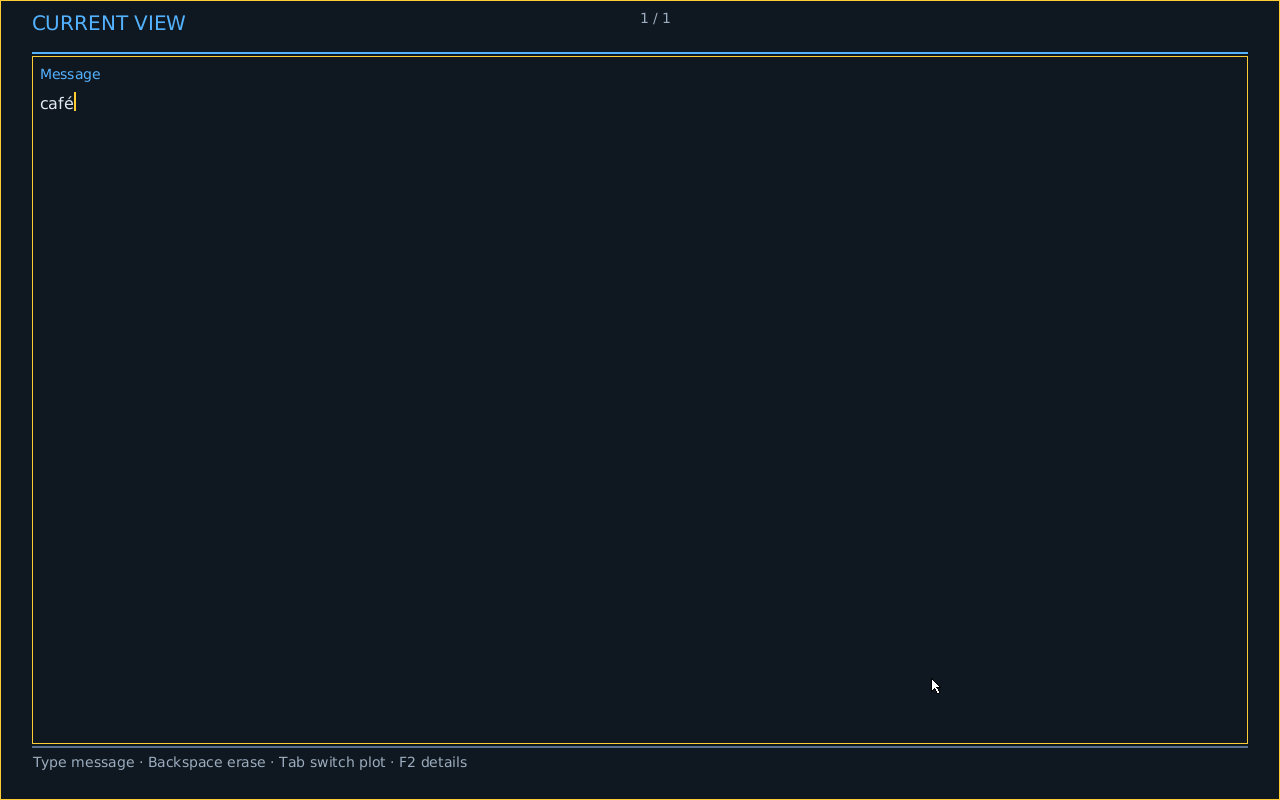
Captured from the same QMP guest after this action. What changed: The editor retains bounded private state; the captured receipt records the committed Unicode bytes.
Go Home
You do: Escape. The user presses Escape.
Home opens while the Body continues to exist.
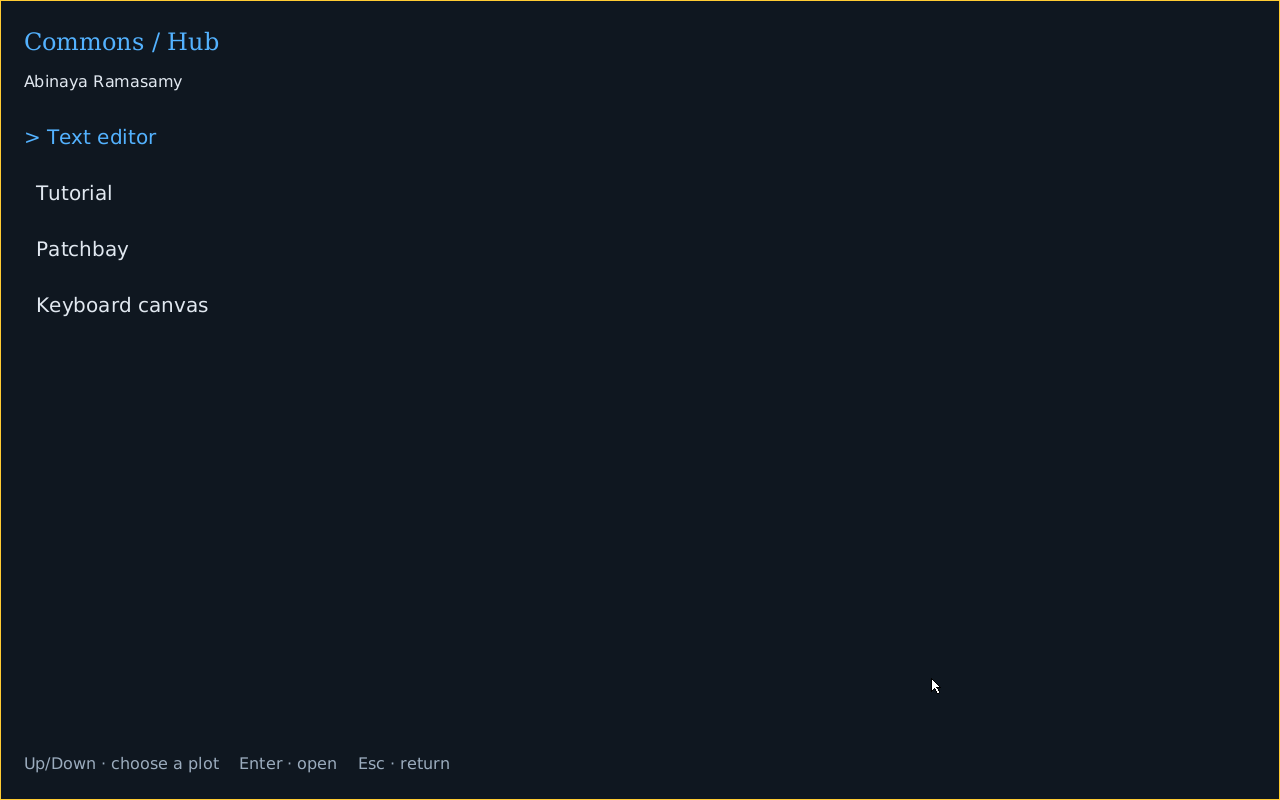
Captured from the same QMP guest after this action. What changed: Navigation changes the Face, not the Body identity.
Open Patchbay
You do: Tab · Enter. The user selects Patchbay in Home and presses Enter.
The resident Patchbay becomes the foreground application.
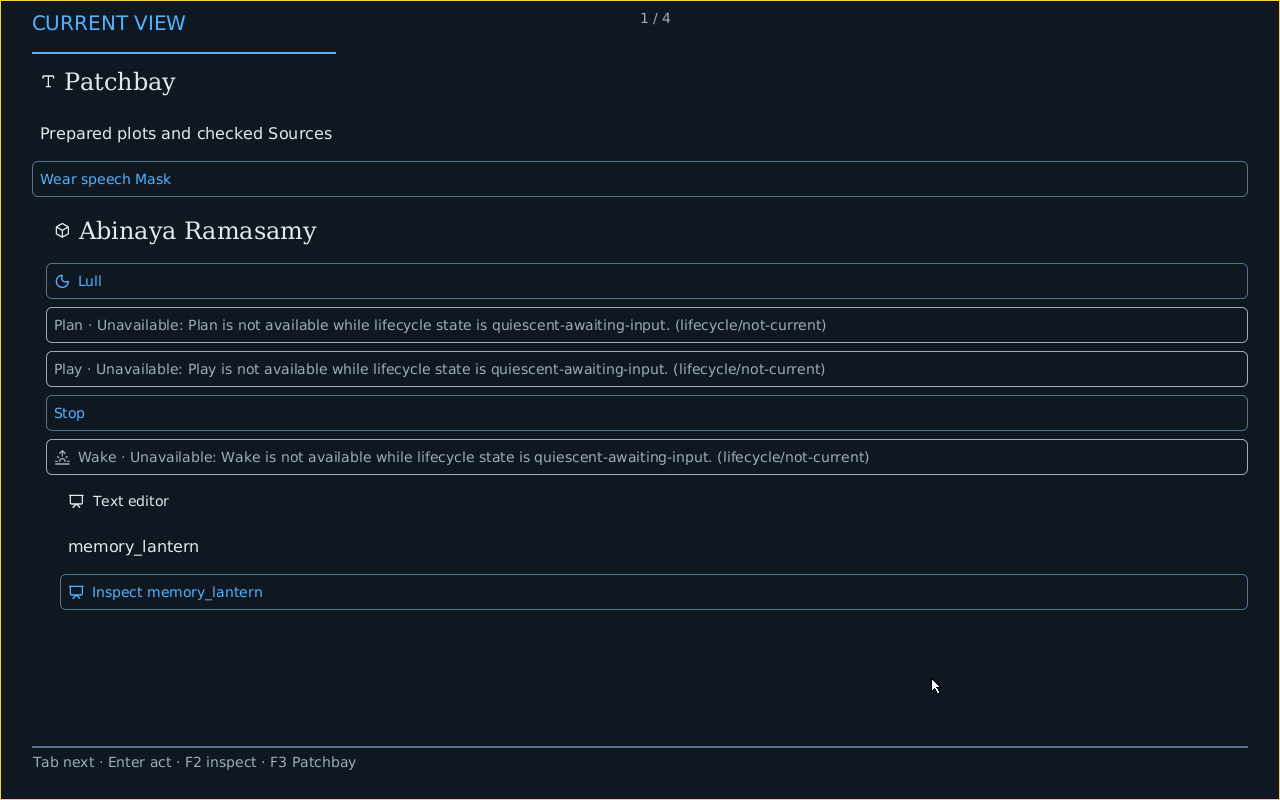
Captured from the same QMP guest after this action. What changed: The same Body and Plan remain current.
Inspect the Face
You do: F2. The user presses F2.
The native Mask presents the current semantic Face.
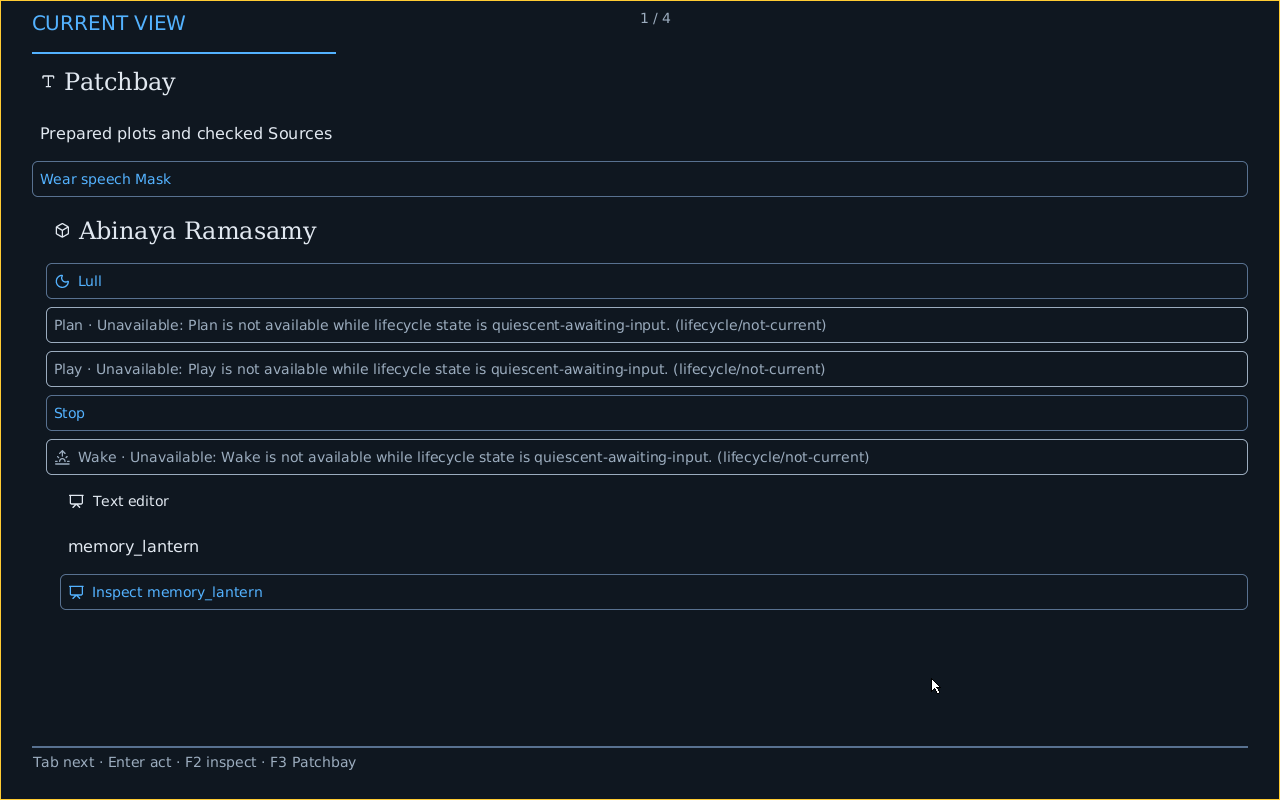
Captured from the same QMP guest after this action. What changed: Content, actions, and structural relationships are projected from the running application.
See the live diagram
You do: F3. The user presses F3 within the Face.
Cards show planned gears and ports with visible cords.
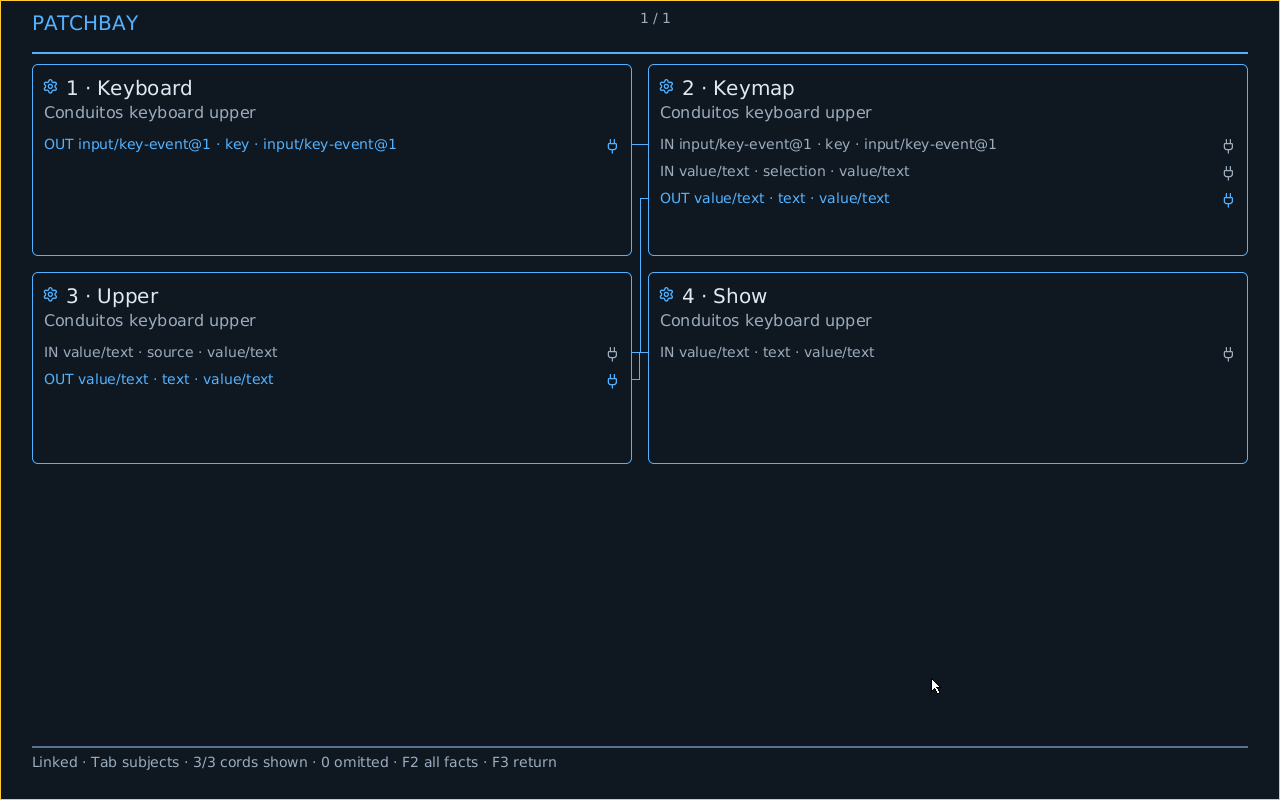
Captured from the same QMP guest after this action. What changed: The diagram is rendered from this Face’s exact graph subjects and endpoints.
Inspect a Gear
You do: 1. The user presses 1 in the live diagram.
The selected Gear opens with its exact Fore and placement details.
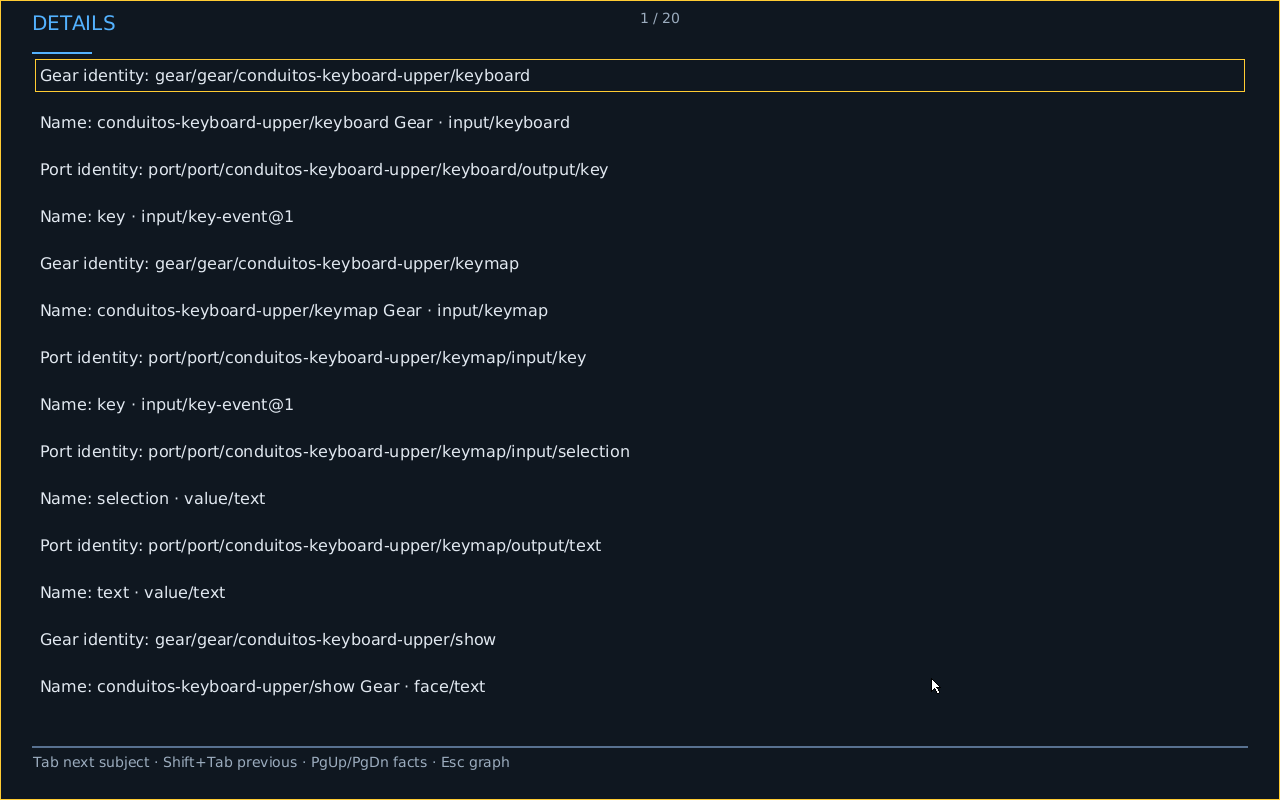
Captured from the same QMP guest after this action. What changed: Inspection retains the same Face, Body, Plan, and Play.
Return to the diagram
You do: F3. The user presses F3.
The same live planned graph is visible again.
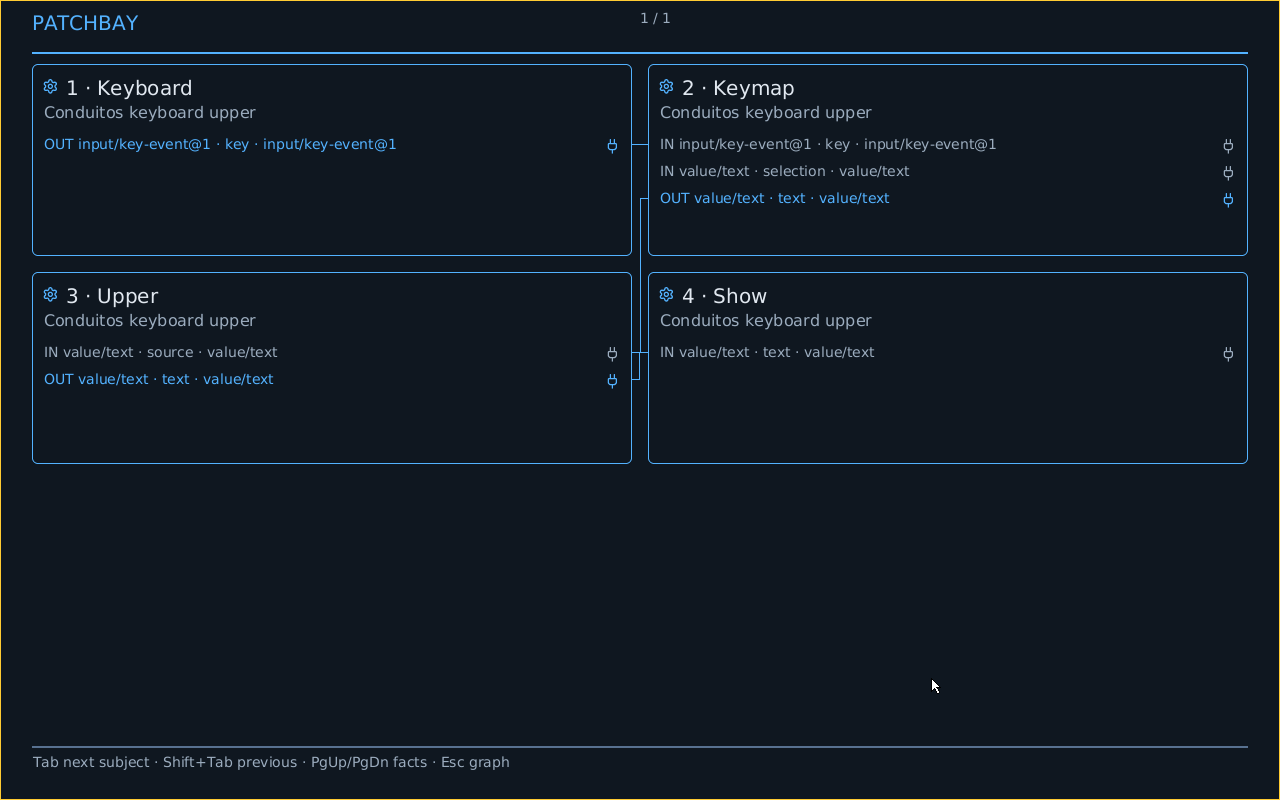
Captured from the same QMP guest after this action. What changed: Returning from details preserves the exact inspected Face and graph.
Inspect another resident Plot and return
You do: Inspect another Plot · return. The user activates another offered Plot, then returns to the original Plot.
The original planned graph is visible after inspecting another offered Plot.
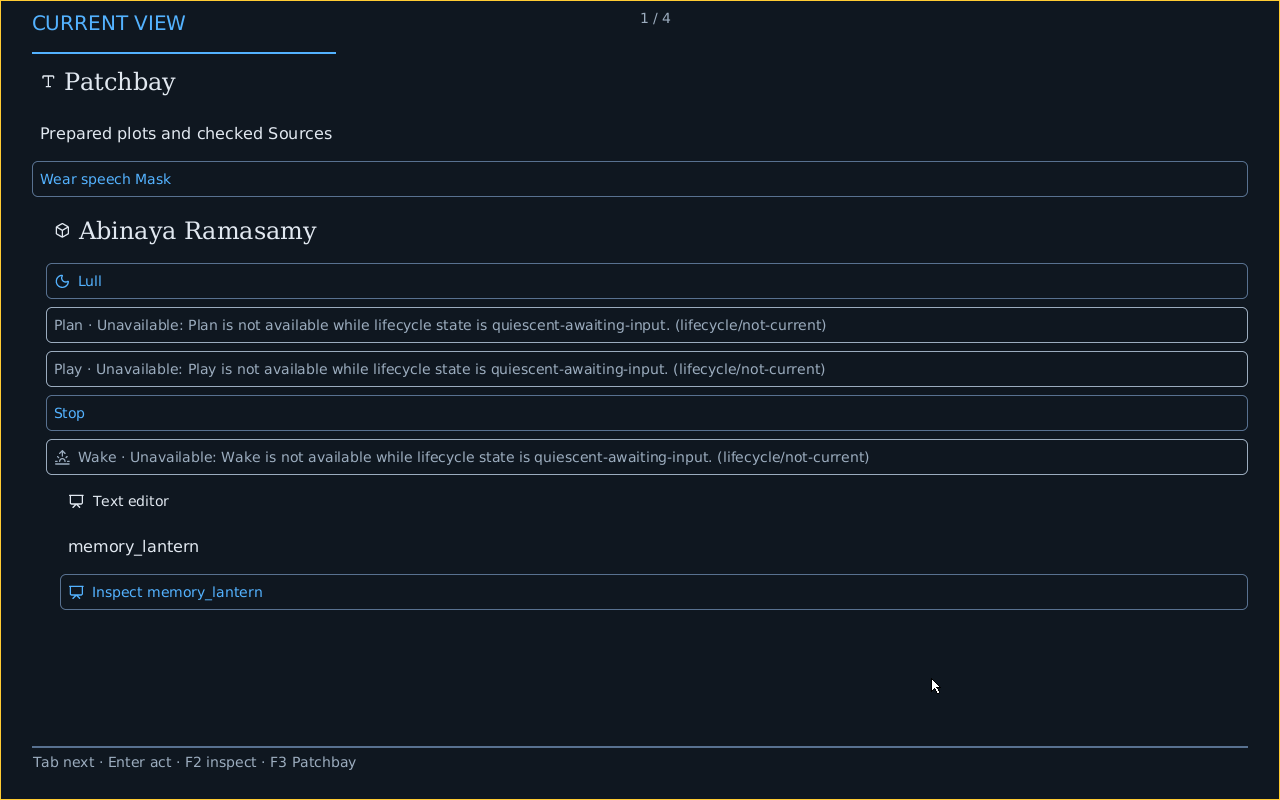
Captured from the same QMP guest after this action. What changed: Actor revisions advance while the same Body, Plan and Play remain current.
Change the Body’s Masks
You do: Change Masks. The user activates Change Masks after an Edit request preserves the existing draft.
The Body continues under its replacement Mask plan.
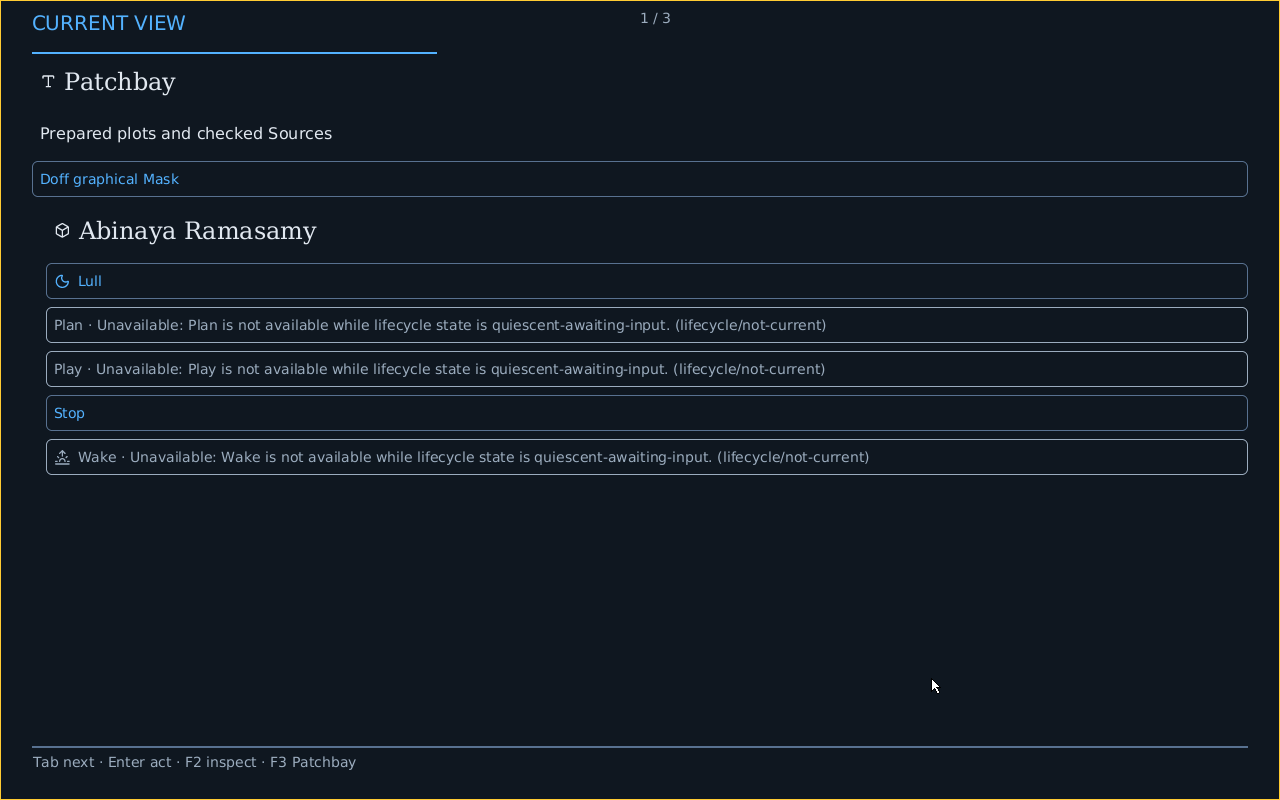
Captured from the same QMP guest after this action. What changed: The accepted owner route replans the same Body into a different Play; that refused Edit did not load Source.
Stop the Play
You do: F8. The user requests Stop through the Face with F8.
The same Body is resting after Stop.
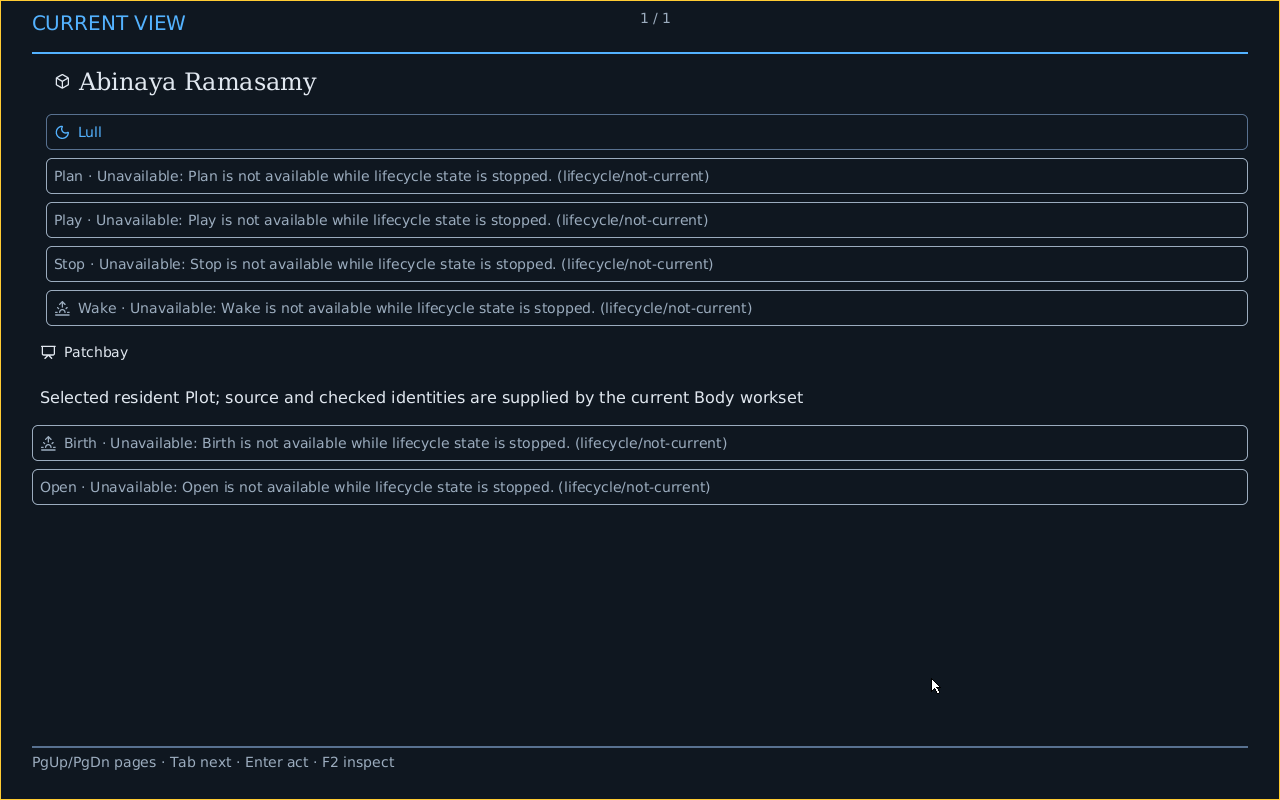
Captured from the same QMP guest after this action. What changed: Stop leaves the Body available for a later Wake.
Return Home
You do: Escape · Escape. The user leaves Face inspection and presses Escape.
Home opens after the Play stops.
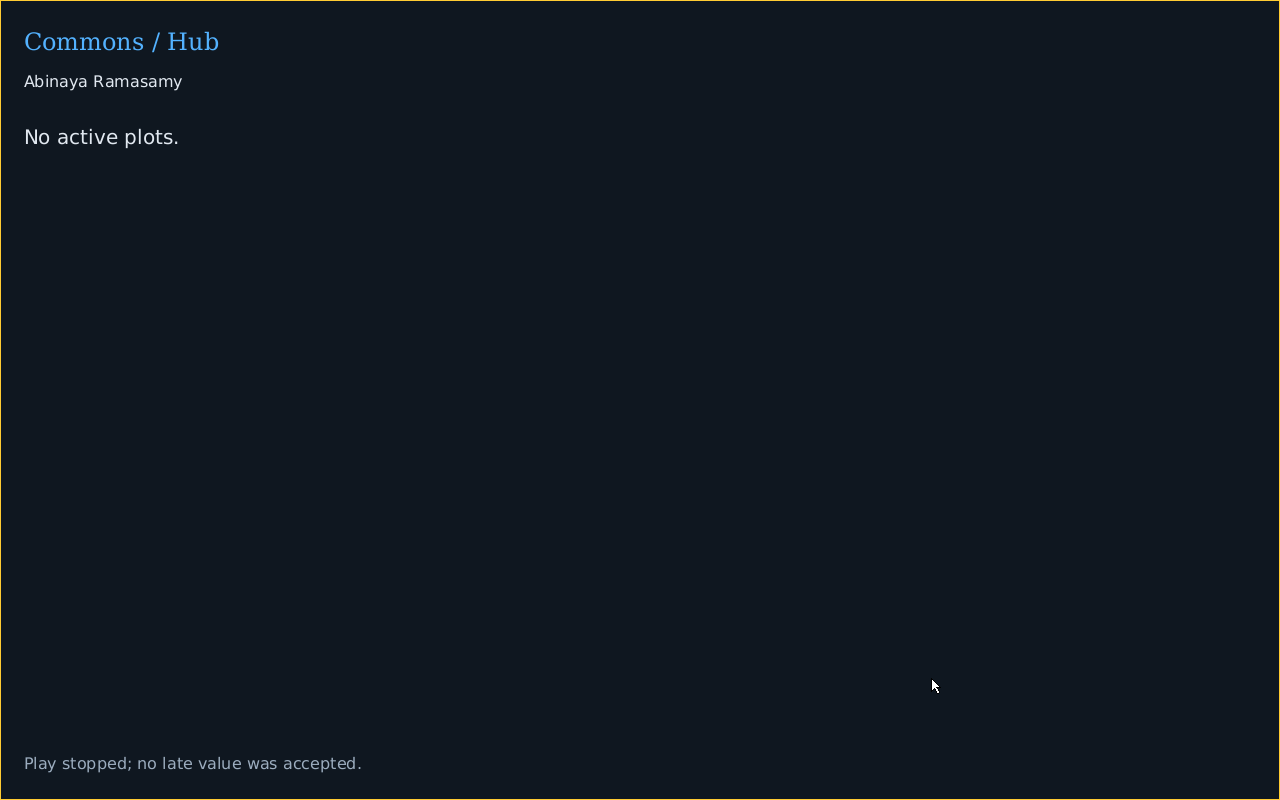
Captured from the same QMP guest after this action. What changed: The original Body and born Sign remain retained.
Reenter Patchbay
You do: Escape. The user returns from the empty active-Plot picker to the stopped read-only Face.
The same resident Patchbay opens again.
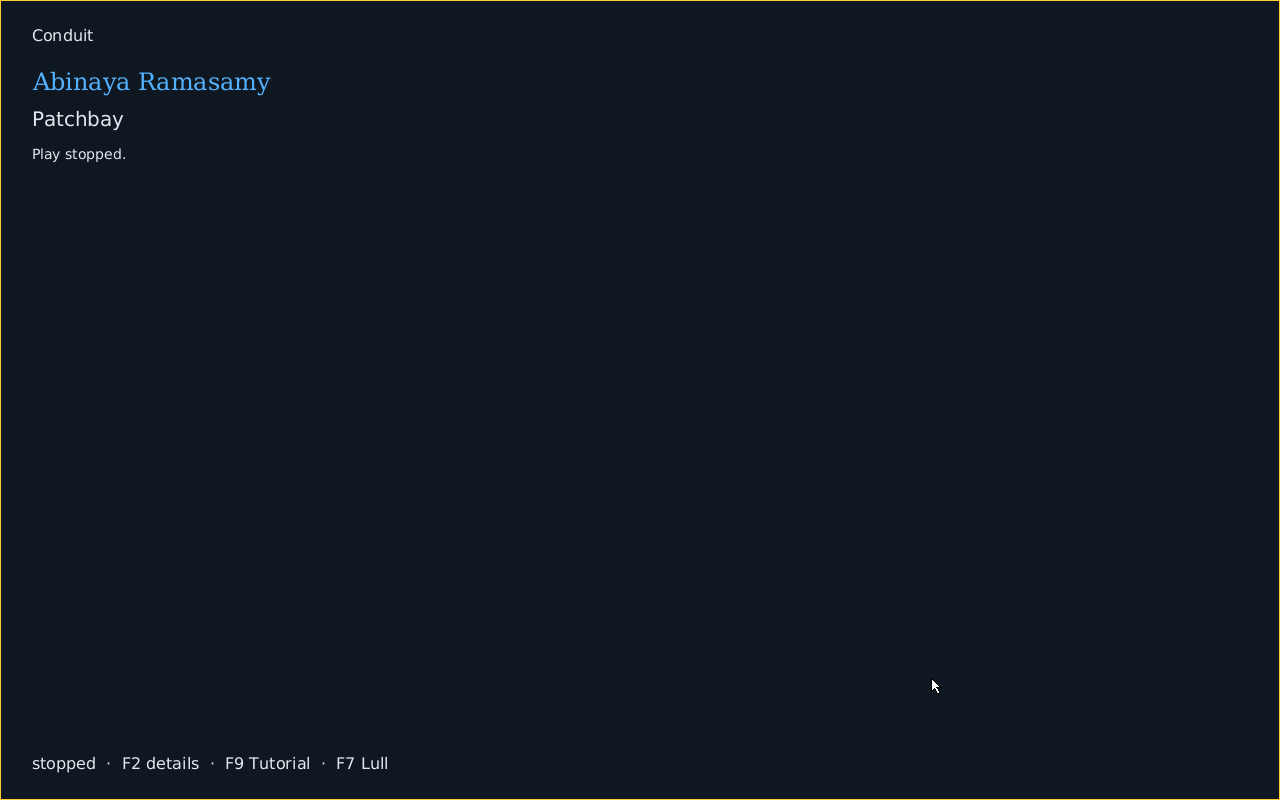
Captured from the same QMP guest after this action. What changed: Reentry preserves the original Body without another Birth or restarted Play.
Load authorized Source in a fresh editor
You do: Lull · Wake · Plan · Play · Edit · x · Backspace. The user lulls, wakes, plans and plays the same Body, opens Patchbay, selects Text editor and activates Edit, then types x and Backspace.
Text editor displays the complete authorized Source after a bounded edit and restoration.
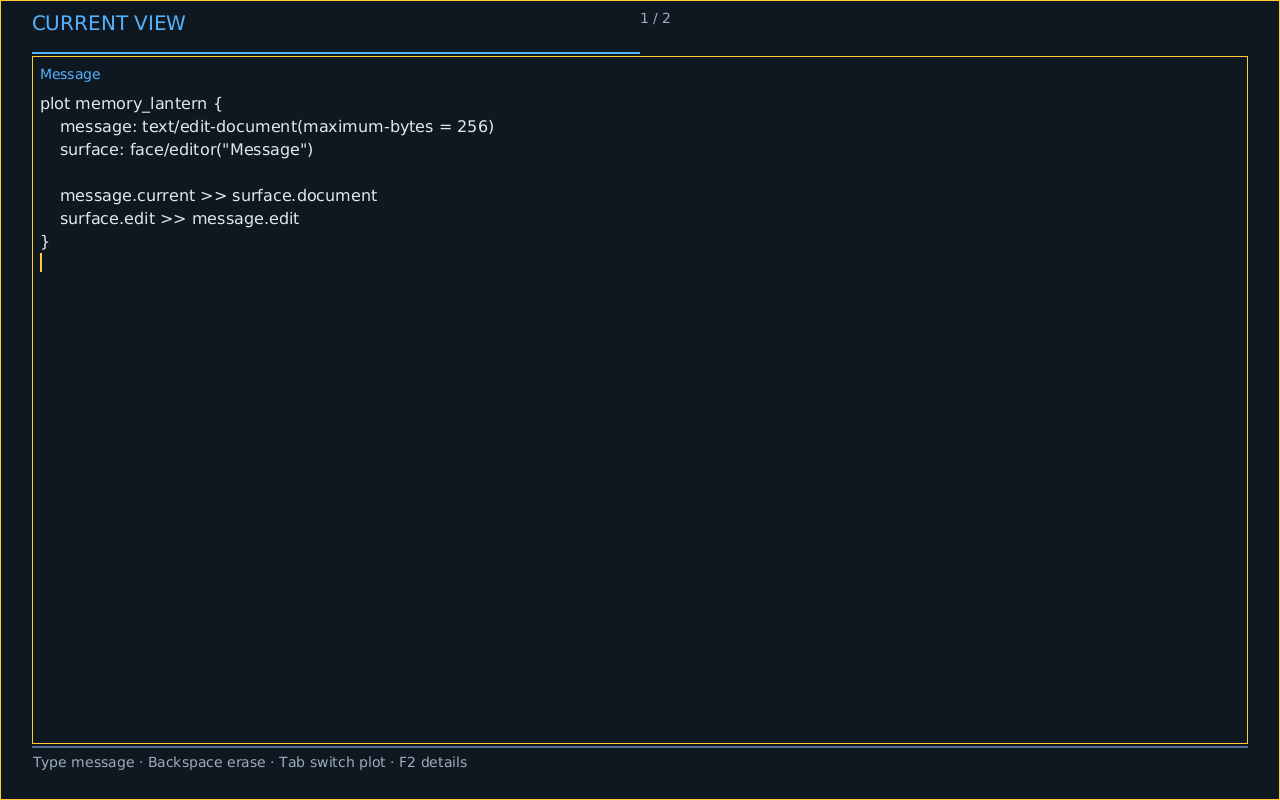
Captured from the same QMP guest after this action. What changed: The exact handoff binds the fresh Plan and Play. Source is restored after the edit; Save, reopen and text-selection enactment remain unproved.
Reproduce and inspect
cargo +stable xtask make conduitos graphical-profile-proof
Screenshot provenance · Journey receipt · Journey serial transcript · Real QMP keyboard and mouse input · Source Face, native action receipts and paired linear reconstruction · Committed text receipt